
GitHub / 私人存储库 / SSH:go get/go mod tidy 失败,而 git clone 正在工作
有志者,事竟成!如果你在学习Golang,那么本文《GitHub / 私人存储库 / SSH:go get/go mod tidy 失败,而 git clone 正在工作》,就很适合你!文章讲解的知识点主要包括,若是你对本文感兴趣,或者是想搞懂其中某个知识点,就请你继续往下看吧~
我希望找到过去几天困扰我的问题的答案 - 我已经阅读了很多线程、帮助程序和出版物,但似乎没有找到解决方案。 我对 ssh 有点陌生。
问题如下:
使用 go get 或 go mod tidy 命令时,我无法获取/安装/刷新属于我的项目的模块,
虽然在任何终端中通过 ssh 或通过 tortoisegit 运行同一存储库的 git clone 都工作正常,
即我可以克隆,但无法构建。
获取模块失败的方式如下(个人数据混淆):
example.com/hello/projects/src/git..com/ / /tests/functional/resources tested by example.com/hello/projects/src/git. .com/ / /tests/functional/resources.test imports git. .com/ / /tests/functional/resources/vm_specific: module git. .com/ / /tests/functional/resources/vm_specific: git ls-remote -q origin in c:\go\projects\pkg\mod\cache\vcs\a5d519aeafc0ac08e2b20d7c8a6a8b2cea11cda88cb058cf2ebcc079d07b260a: exit status 128: debug3: expanded userknownhostsfile '~/.ssh/known_hosts' -> 'c:\\users\\ /.ssh/known_hosts' debug3: expanded userknownhostsfile '~/.ssh/known_hosts2' -> 'c:\\users\\ /.ssh/known_hosts2' debug2: resolving "git. .com" port debug3: resolve_host: lookup git. .com: debug3: ssh_connect_direct: entering debug1: connecting to git. .com [10.xxx.x.xx] port . debug1: connection established. ... debug1: local version string ssh-2.0-openssh_for_windows_8.9 debug1: remote protocol version 2.0, remote software version apache-sshd-2.4.0 debug1: compat_banner: no match: apache-sshd-2.4.0 debug2: fd 3 setting o_nonblock debug1: authenticating to git. .com: as 'git' ... debug1: authentications that can continue: publickey ... debug3: send packet: type 50 debug3: receive packet: type 52 authenticated to git. .com ([10.xxx.x.xx]: ) using "publickey". ... debug1: sending command: git-upload-pack '/scm/ / .git' debug2: channel 0: request exec confirm 1 debug3: send packet: type 98 debug2: channel_input_open_confirmation: channel 0: callback done debug2: channel 0: open confirm rwindow 2097152 rmax 32768 debug3: receive packet: type 99 debug2: channel_input_status_confirm: type 99 id 0 debug2: exec request accepted on channel 0 debug2: channel 0: rcvd ext data 106 debug3: receive packet: type 96 debug2: channel 0: rcvd eof debug2: channel 0: output open -> drain debug3: receive packet: type 98 debug1: client_input_channel_req: channel 0 rtype exit-status reply 0 debug3: receive packet: type 97 debug2: channel 0: rcvd close debug2: chan_shutdown_read: channel 0: (i0 o1 sock -1 wfd 4 efd 6 [write]) debug2: channel 0: input open -> closed debug3: channel 0: will not send data after close debug2: channel 0: obuf_empty delayed efd 6/(106) debug2: channel 0: written 106 to efd 6 repository not found the requested repository does not exist, or you do not have permission to access it. debug3: channel 0: will not send data after close debug2: channel 0: obuf empty debug2: chan_shutdown_write: channel 0: (i3 o1 sock -1 wfd 5 efd 6 [write]) debug2: channel 0: output drain -> closed fatal: could not read from remote repository. please make sure you have the correct access rights and the repository exists. debug2: channel 0: almost dead debug2: channel 0: gc: notify user debug2: channel 0: gc: user detached debug2: channel 0: send close debug3: send packet: type 97 debug2: channel 0: is dead debug2: channel 0: garbage collecting debug1: channel 0: free: client-session, nchannels 1 debug3: channel 0: status: the following connections are open: #0 client-session (t4 r0 i3/0 o3/0 e[write]/0 fd -1/-1/6 sock -1 cc -1 io 0x00/0x08) debug3: send packet: type 1 transferred: sent 3268, received 2200 bytes, in 0.2 seconds bytes per second: sent 15169.6, received 10212.1 debug1: exit status 1
如果需要更完整的日志,我可以将其上传到某个地方。
ssh -t(vvv 设置为默认值)的最后几行 git@git.:
debug3: send packet: type 50
    debug3: receive packet: type 52
    debug1: authentication succeeded (publickey).
    authenticated to git..com ([10.xxx.x.xx]:).
    debug1: channel 0: new [client-session]
    debug3: ssh_session2_open: channel_new: 0
    debug2: channel 0: send open
    debug3: send packet: type 90
    debug1: entering interactive session.
    debug1: pledge: filesystem full
    debug3: receive packet: type 91
    debug2: channel_input_open_confirmation: channel 0: callback start
    debug2: fd 3 setting tcp_nodelay
    debug3: set_sock_tos: set socket 3 ip_tos 0x08
    debug2: client_session2_setup: id 0
    debug2: channel 0: request shell confirm 1
    debug3: send packet: type 98
    debug2: channel_input_open_confirmation: channel 0: callback done
    debug2: channel 0: open confirm rwindow 2097152 rmax 32768
    debug3: receive packet: type 100
    debug2: channel_input_status_confirm: type 100 id 0
    shell request failed on channel 0
我使用的公钥源自 openssh 的 ssh-keygen 生成的密钥 - 它是新生成的并添加到我的 git 配置文件中。
git clone 因此工作正常,这已经让我发疯了。
我已经有大部分模块无法在远程私有仓库中检查,这更疯狂。
我不喜欢这部分,这很可能意味着我的证书有问题 -
使用 git..com ([10.xxx.x.xx]:) 进行身份验证 “公钥”。
这部分,因为 aix 上的 openssh 在启用 efs 时默认请求 pkcs12 支持,非 aix 系统可能会拒绝这些 pkcs12 请求。
debug2:通道 0:obuf_empty 延迟 efd 6/(106) debug2:通道0:将106写入efd 6
请参阅下面我的配置中的更改。
我的环境:
- win10 企业版
- git 版本 - 2.31.1.windows.1
- 我通常通过 tortoisegit 2.13.0.1 克隆
- 在 cmd/powershell 中使用 ssh 客户端 - openssh_for_windows_8.9,手动安装
go env:(个人数据已混淆)
set go111module=
    set goarch=amd64
    set gobin=
    set gocache=c:\users\\appdata\local\go-build
    set goenv=c:\users\\appdata\roaming\go\env
    set goexe=.exe
    set goexperiment=
    set goflags=
    set gohostarch=amd64
    set gohostos=windows
    set goinsecure=
    set gomodcache=c:\program files\go\pkg\mod
    set gonoproxy=*..com;git..com/users/
    set gonosumdb=*..com;git..com/users/
    set goos=windows
    set gopath=c:\program files\go
    set goprivate=*..com;git..com/users/
    set goproxy=https://proxy.golang.org,direct
    set goroot=c:\program files\go
    set gosumdb=sum.golang.org
    set gotmpdir=
    set gotooldir=c:\program files\go\pkg\tool\windows_amd64
    set govcs=
    set goversion=go1.18.3
    set gccgo=gccgo
    set goamd64=v1
    set ar=ar
    set cc=gcc
    set cxx=g++
    set cgo_enabled=1
    set gomod=nul
    set gowork=
    set cgo_cflags=-g -o2
    set cgo_cppflags=
    set cgo_cxxflags=-g -o2
    set cgo_fflags=-g -o2
    set cgo_ldflags=-g -o2
    set pkg_config=pkg-config
    set gogccflags=-m64 -mthreads -fmessage-length=0 -fdebug-prefix-map=c:\users\user~1.nam\appdata\local\temp\go-build1143995380=/tmp/go-build -gno-record-gcc-switches
我的 ssh 配置:
# github for src
        host git..com
           serveraliveinterval 600
           tcpkeepalive yes
           ipqos throughput
           addkeystoagent yes
           hostname git..com
           port
           user
           preferredauthentications publickey
           identityfile c:\users\\.ssh\git_rsa
           #identityfile ~/.ssh/git_rsa
           pubkeyacceptedkeytypes +ssh-rsa
           #forwardagent no
           #allowpkcs12keystoreautoopen no
           loglevel debug3
该证书之前已添加到代理中,但为了确定起见,我在这里指定了它,并且根据日志似乎采用了正确的证书进行身份验证。
它没有密码。
我的
known-hosts中没有完全未知的条目,并且正在使用根据证书时间戳判断的正确条目。我发现可以通过将
allowpkcs12keystoreautoopen设置为no来禁用 pkcs12 请求,但它被标记为错误选项 -c:\go\projects\src\git.
.com\ \ >go get git. .com/ /go-service/log go: module git. .com/ /go-service/log: git ls-remote -q origin in c:\go\projects\pkg\mod\cache\vcs\d0d607237eeba0d1c9d5ce996ed36c0f3746b2c8f94b538ace2d3f2a9476839e: exit status 128: c:\\users\\ /.ssh/config: line 15: bad configuration option: allowpkcs12keystoreautoopen c:\\users\\ /.ssh/config: terminating, 1 bad configuration options
git 配置:
全球:
[user] name =email = @ .com [url "ssh://git@git. .com: /"] insteadof = https://git. .com 系统:
[url "ssh://git@git.
.com: /"] insteadof = https://git. .com/
git远程-v:
origin ssh://git@git..com: /~ / .git (fetch) origin ssh://git@git. .com: /~ / .git (push)
- 与我用于克隆的相同,
存储库配置:
[remote "origin"]
        url = ssh://git@git..com:/~/.git
        fetch = +refs/heads/*:refs/remotes/origin/*
我尝试了 ssh:// 和 git@git...但没有帮助。
模块配置(自动设置),但是:
[remote "origin"]
        url = https://git..com/scm//.git
        fetch = +refs/heads/*:refs/remotes/origin/*
我现在没有想法。
正确答案
我建议不要将 go get 与私有存储库一起使用。此命令将存储库缓存在 pkg.go.dev 上,从而将它们公开给全世界。我很尴尬地发现我们的私人开发项目在那里公开发布。
我在文件系统中手动部署私有依赖项,并使用替换在 go.mod 中指定依赖项:
require your.server/your/package 1.2.3

replace your.server/your/package 1.2.3 => /path/to/local/your/package
本篇关于《GitHub / 私人存储库 / SSH:go get/go mod tidy 失败,而 git clone 正在工作》的介绍就到此结束啦,但是学无止境,想要了解学习更多关于Golang的相关知识,请关注golang学习网公众号!
 东风汽车新能源“对赌”激励机制见成效,猛士917销售势头强劲
- 上一篇
- 东风汽车新能源“对赌”激励机制见成效,猛士917销售势头强劲

- 下一篇
- Galaxy Z Fold5:突破折叠屏技术 为用户带来绚丽视觉震撼
-
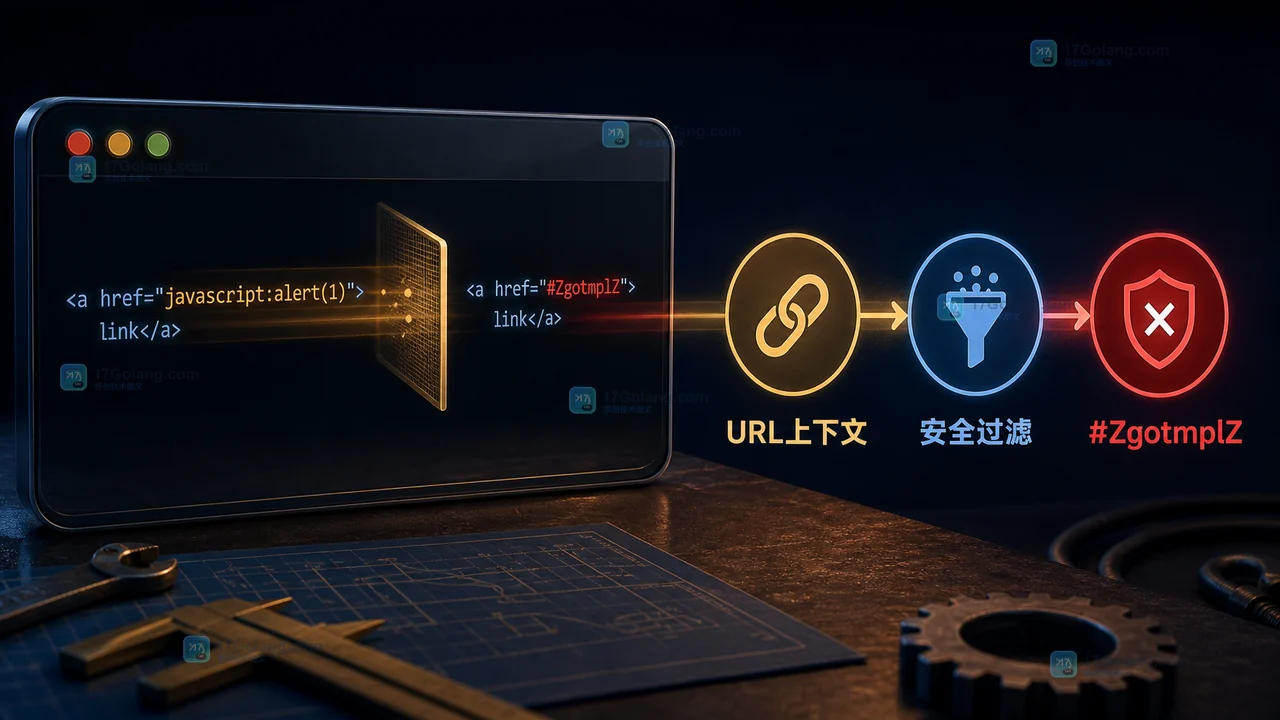
- Golang · Go问答 | 5小时前 | golang · 模板 · web安全 · Go html/template ZgotmplZ
- Go html/template 为什么把 URL 变成 #ZgotmplZ:最小修复和安全边界
- 145浏览 收藏
-
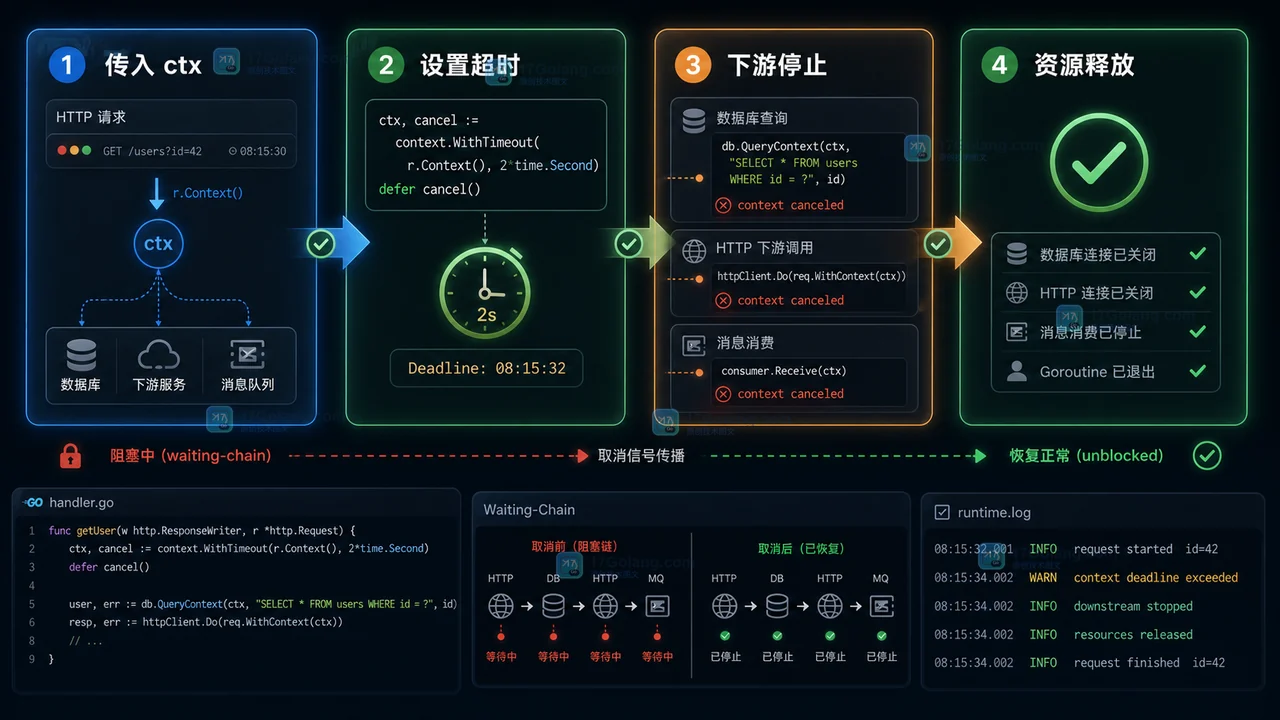
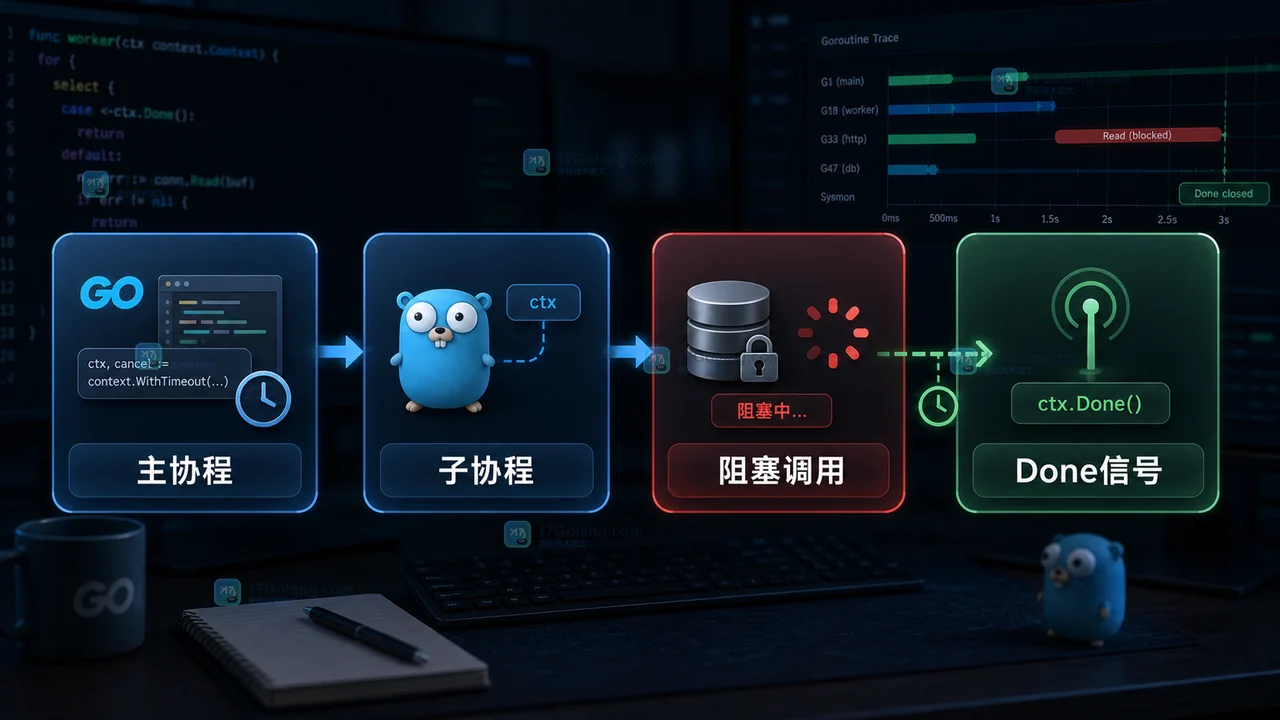
- Golang · Go问答 | 6天前 | goroutine · HTTP · Context · 超时控制 · Go问答 · WithTimeout Go问答 context取消 QueryContext HTTP请求取消 goroutine退出
- Go HTTP 请求取消后任务会自动停吗:context 传递、超时和资源释放
- 120浏览 收藏
-

- 前端进阶之JavaScript设计模式
- 设计模式是开发人员在软件开发过程中面临一般问题时的解决方案,代表了最佳的实践。本课程的主打内容包括JS常见设计模式以及具体应用场景,打造一站式知识长龙服务,适合有JS基础的同学学习。
- 543次学习
-

- GO语言核心编程课程
- 本课程采用真实案例,全面具体可落地,从理论到实践,一步一步将GO核心编程技术、编程思想、底层实现融会贯通,使学习者贴近时代脉搏,做IT互联网时代的弄潮儿。
- 516次学习
-

- 简单聊聊mysql8与网络通信
- 如有问题加微信:Le-studyg;在课程中,我们将首先介绍MySQL8的新特性,包括性能优化、安全增强、新数据类型等,帮助学生快速熟悉MySQL8的最新功能。接着,我们将深入解析MySQL的网络通信机制,包括协议、连接管理、数据传输等,让
- 500次学习
-

- JavaScript正则表达式基础与实战
- 在任何一门编程语言中,正则表达式,都是一项重要的知识,它提供了高效的字符串匹配与捕获机制,可以极大的简化程序设计。
- 487次学习
-

- 从零制作响应式网站—Grid布局
- 本系列教程将展示从零制作一个假想的网络科技公司官网,分为导航,轮播,关于我们,成功案例,服务流程,团队介绍,数据部分,公司动态,底部信息等内容区块。网站整体采用CSSGrid布局,支持响应式,有流畅过渡和展现动画。
- 485次学习
-

- ljg-skills
- ljg-skills 是李继刚开源的 AI 技能与提示词集合,面向大模型使用者整理了一批可复用的 prompt、角色设定和任务技能模板,适合用于学习提示词设计、搭建个人 AI 工作流和沉淀团队常用智能体能力。
- 4506次使用
-

- MELO音乐
- MELO音乐是一站式AI视频与音乐制作助手,对标suno, udio的高品质体验。提供伴奏生成、原创写词、无损导出、哼唱识曲、混音变声等全套音频与短视频编辑工具。无论是流行Kpop、电音说唱、民谣古风、摇滚儿歌还是商用轻音乐,MELO为你免费谱曲,轻松做同款!
- 4184次使用
-

- UniScribe
- UniScribe 是一款 AI 音视频转文字与内容整理工具,支持上传音频、视频文件或粘贴 YouTube 链接,自动生成转写文本、摘要、思维导图和关键问题,并支持多格式导出,适合会议记录、课程学习、访谈整理和内容创作复盘。
- 4150次使用
-

- 剧云
- 剧云是专业中文剧本创作平台,安全稳定运行十余年,集成AI编剧、剧本医生审核、人物小传、剧情关系图、大纲编写、多人协作、Word导入导出、版权管控功能,数据安全防护,轻松高效创作剧本。
- 4375次使用
-

- 万象有声
- 万象有声,一个专为有声创作者打造的新一代智能有声内容创作平台。平台提供专业的智能拆章、智能画本编辑、AI配音、AI生成音效、后期制作、智能对轨、智能审听等有声创作全流程工具,可以帮助创作者高效、低成本创作出引人入胜的有声作品。立即体验,让有声书制作更简单!
- 4320次使用
-
- 用Nginx反向代理部署go写的网站。
- 2023-01-17 502浏览
-
- GoLand调式动态执行代码
- 2023-01-13 502浏览
-
- 从不同的 go 例程将数据写入同一通道无需等待组即可正常工作
- 2024-04-29 501浏览
-
- Golang rsa-oaep解密失败,前端使用webcrypto
- 2024-04-26 501浏览
-
- 如何从用户输入以惰性方式初始化包的全局变量?
- 2024-04-24 501浏览


