
PHP代码编辑器使用教程详解
想快速上手PHP开发却不知从何开始?本文详细对比了四种主流文本编辑器(Notepad++、Visual Studio Code、Sublime Text和Atom)在Windows 11环境下编写与运行PHP代码的完整流程,涵盖环境搭建、语法高亮配置、本地服务器集成及调试技巧,无论你是轻量级需求的新手还是追求效率的进阶开发者,都能找到最适合自己的高效PHP开发方案。

If you want to write PHP code using a text-based programming editor, you can follow these methods to get started:
The operating environment of this tutorial: Dell XPS 13, Windows 11
1. Use Notepad++ to Write and Execute PHP Code
Notepad++ is a lightweight, powerful text editor that supports syntax highlighting for PHP, making it easier to identify functions, variables, and keywords.
- Download and install Notepad++ from the official website
- Open Notepad++, create a new file, and save it with a .php extension, such as index.php
- Type your PHP code, for example:
- Install a local server environment like XAMPP or WAMP
- Place your .php file in the htdocs folder (XAMPP) or www folder (WAMP)
- Start the Apache server and access your script via http://localhost/index.php
2. Use Visual Studio Code with PHP Extensions
Visual Studio Code offers intelligent code completion, debugging, and integrated terminal support, which enhances PHP development efficiency.
- Download and install Visual Studio Code
- Open the Extensions marketplace and search for PHP Intelephense or similar PHP language support
- Create a new file and set the language mode to PHP
- Write your PHP script and use the built-in terminal to run it if PHP is installed globally
- Ensure PHP is added to your system PATH and verify by running php -v in the terminal
- Run the script using php filename.php directly from the terminal
3. Edit PHP Files Using Sublime Text
Sublime Text provides fast performance and customizable interfaces, ideal for developers who prefer speed and minimalism.
- Install Sublime Text from its official site
- Launch the editor and open a new file
- Set the syntax to PHP via the bottom-right menu or through View > Syntax > PHP
- Write your PHP logic, ensuring correct opening and closing tags ()
- Save the file with a .php extension
- Serve the file through a local development stack like Laragon or manually configure a web server
4. Write PHP Code in Atom with Language Packages
Atom allows deep customization through community packages, enabling robust PHP editing capabilities.
- Install Atom from GitHub’s release page
- Go to Settings > Install and search for language-php package
- Install the package to enable PHP syntax recognition
- Create a new file, write your PHP code, and save it with a .php extension
- Use an external tool like PHP Built-in Server by navigating to the file directory and running php -S localhost:8000
- Access your script at http://localhost:8000 in the browser
理论要掌握,实操不能落!以上关于《PHP代码编辑器使用教程详解》的详细介绍,大家都掌握了吧!如果想要继续提升自己的能力,那么就来关注golang学习网公众号吧!
 CSSbox-shadow阴影设置教程及实例解析
- 上一篇
- CSSbox-shadow阴影设置教程及实例解析
- 下一篇
- PHP集成七牛云存储,图片上传教程
-
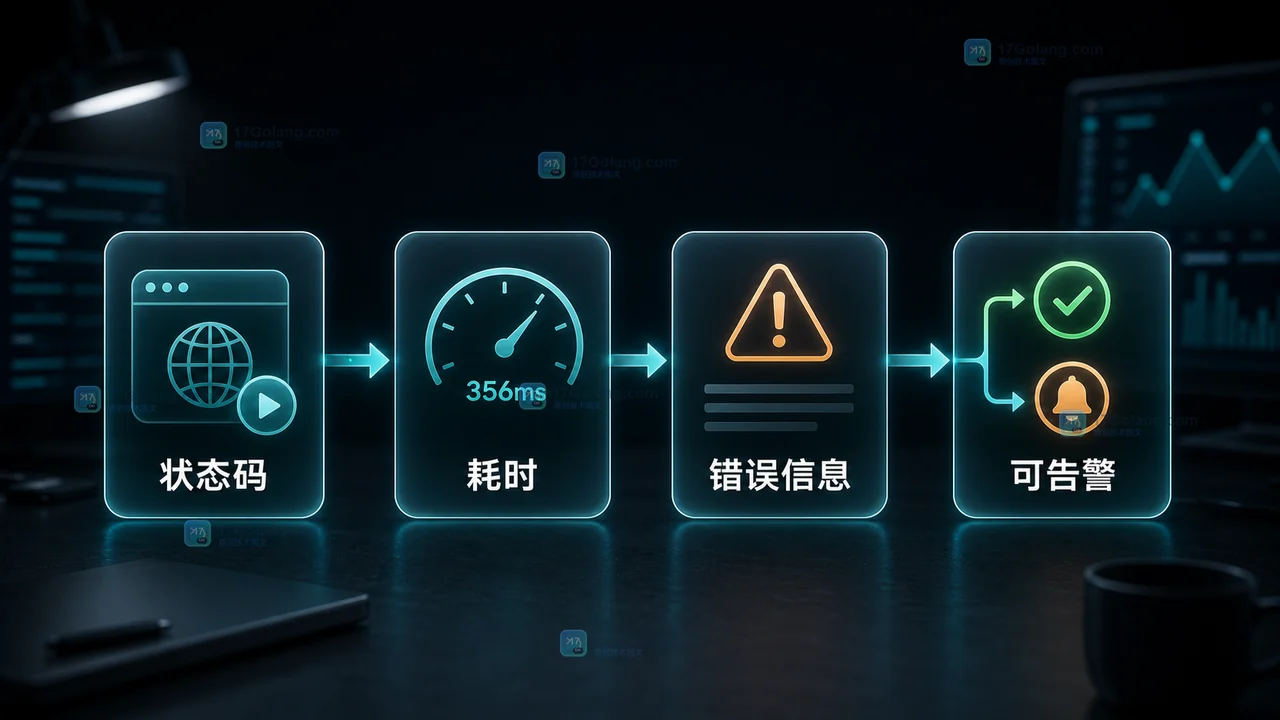
- 文章 · php教程 | 5天前 | 日志 · HTTP · 超时控制 · php教程 · 接口监控 · 请求超时 stream_context_create PHP教程 PHP HTTP请求 接口探测器
- PHP HTTP 超时探测器怎么写:状态码、耗时和日志验收
- 289浏览 收藏
-
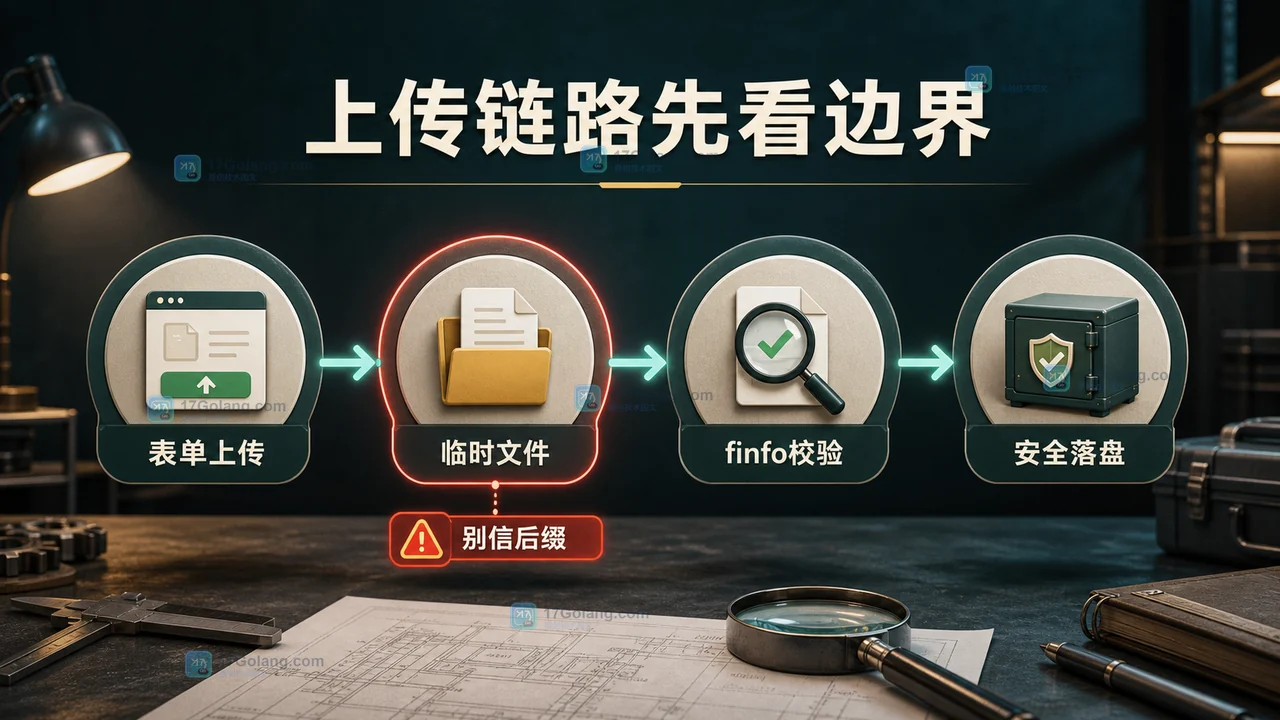
- 文章 · php教程 | 5天前 | 文件上传 · 后端开发 · php教程 · 安全校验 · move_uploaded_file $_FILES finfo_file PHP上传文件 文件安全校验
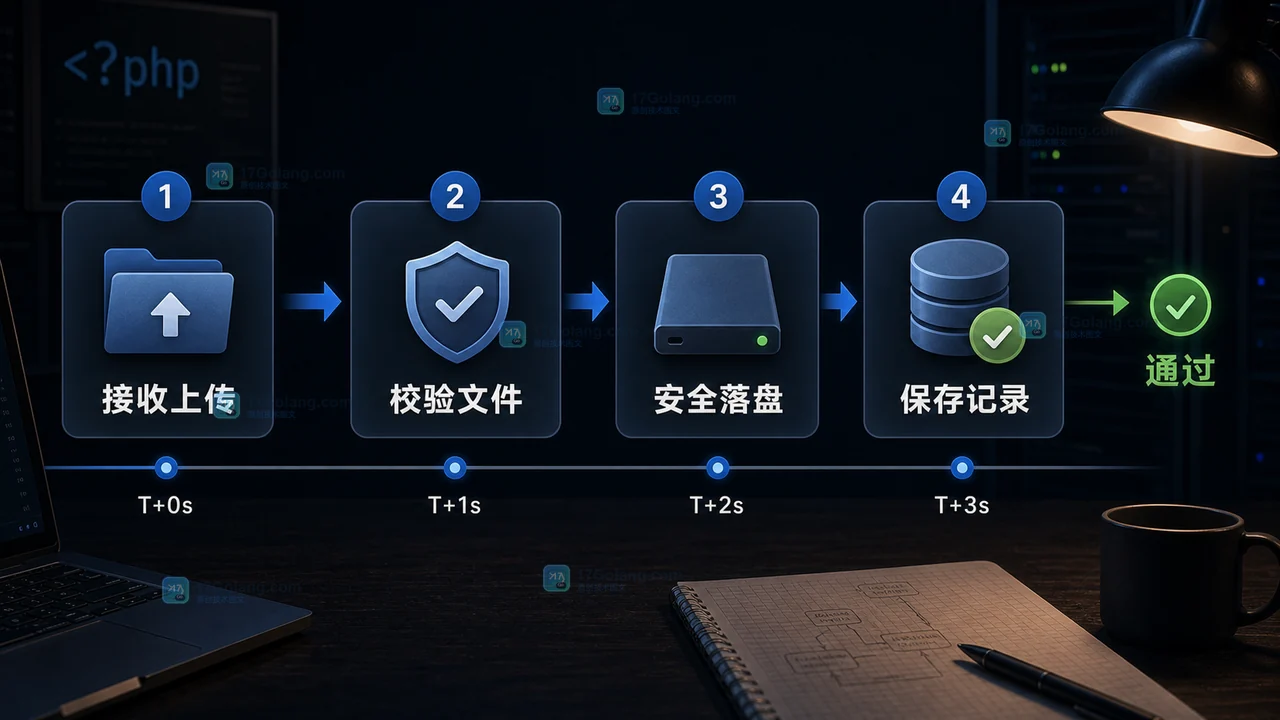
- PHP 上传文件怎么安全校验:$_FILES、finfo 和 move_uploaded_file 实战
- 409浏览 收藏
-
- 文章 · php教程 | 5天前 | [] · []
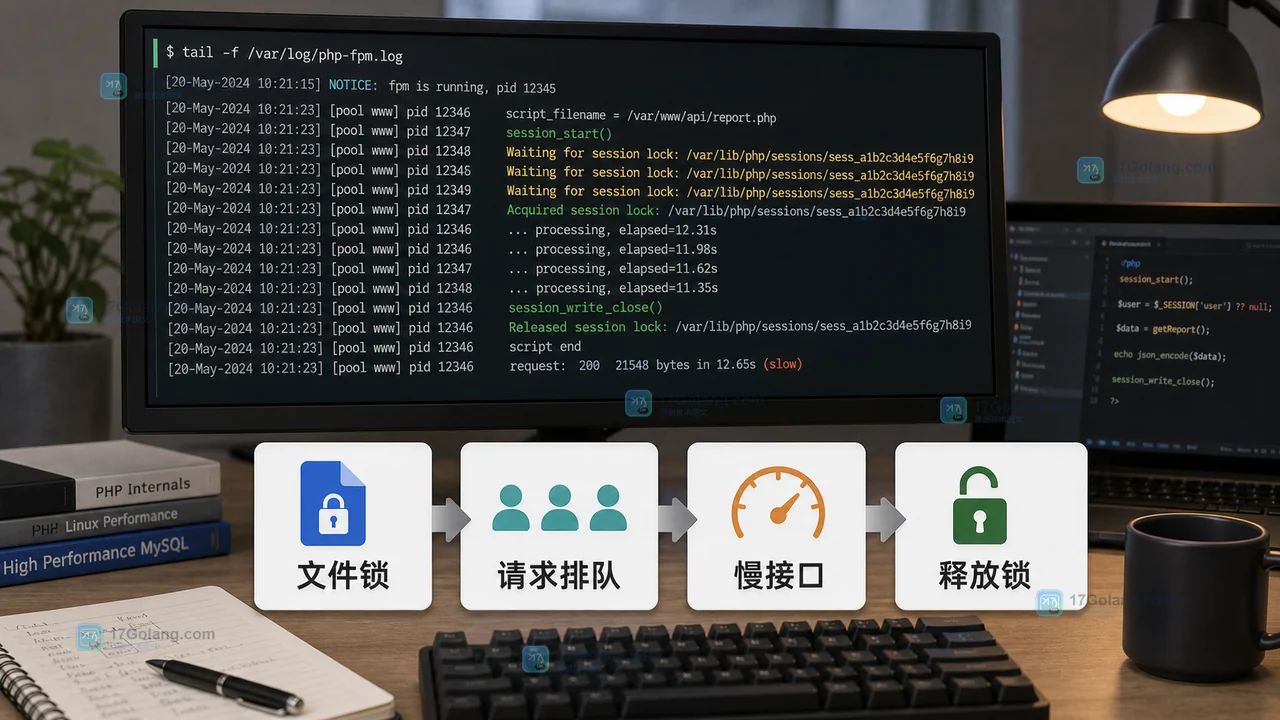
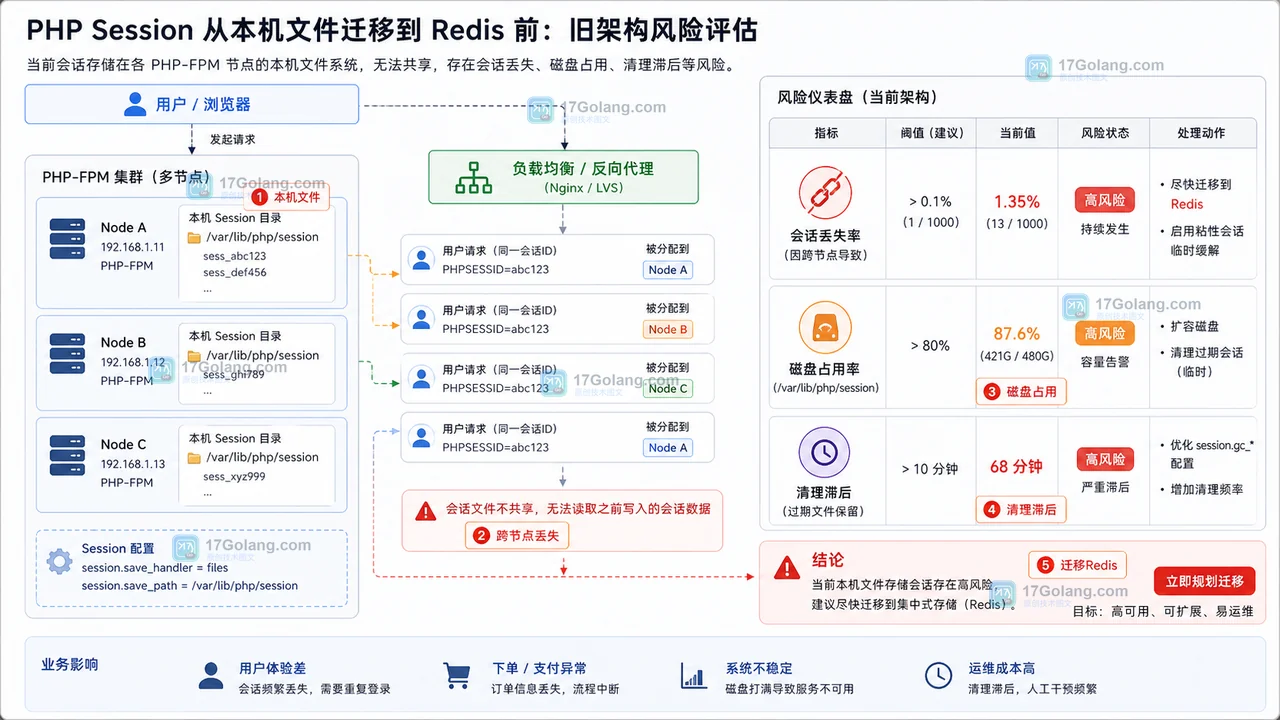
- PHP Session 高并发为什么会卡住:从文件锁迁到 Redis 会话存储
- 164浏览 收藏
-

- 前端进阶之JavaScript设计模式
- 设计模式是开发人员在软件开发过程中面临一般问题时的解决方案,代表了最佳的实践。本课程的主打内容包括JS常见设计模式以及具体应用场景,打造一站式知识长龙服务,适合有JS基础的同学学习。
- 543次学习
-

- GO语言核心编程课程
- 本课程采用真实案例,全面具体可落地,从理论到实践,一步一步将GO核心编程技术、编程思想、底层实现融会贯通,使学习者贴近时代脉搏,做IT互联网时代的弄潮儿。
- 516次学习
-

- 简单聊聊mysql8与网络通信
- 如有问题加微信:Le-studyg;在课程中,我们将首先介绍MySQL8的新特性,包括性能优化、安全增强、新数据类型等,帮助学生快速熟悉MySQL8的最新功能。接着,我们将深入解析MySQL的网络通信机制,包括协议、连接管理、数据传输等,让
- 500次学习
-

- JavaScript正则表达式基础与实战
- 在任何一门编程语言中,正则表达式,都是一项重要的知识,它提供了高效的字符串匹配与捕获机制,可以极大的简化程序设计。
- 487次学习
-

- 从零制作响应式网站—Grid布局
- 本系列教程将展示从零制作一个假想的网络科技公司官网,分为导航,轮播,关于我们,成功案例,服务流程,团队介绍,数据部分,公司动态,底部信息等内容区块。网站整体采用CSSGrid布局,支持响应式,有流畅过渡和展现动画。
- 485次学习
-

- ljg-skills
- ljg-skills 是李继刚开源的 AI 技能与提示词集合,面向大模型使用者整理了一批可复用的 prompt、角色设定和任务技能模板,适合用于学习提示词设计、搭建个人 AI 工作流和沉淀团队常用智能体能力。
- 4478次使用
-

- MELO音乐
- MELO音乐是一站式AI视频与音乐制作助手,对标suno, udio的高品质体验。提供伴奏生成、原创写词、无损导出、哼唱识曲、混音变声等全套音频与短视频编辑工具。无论是流行Kpop、电音说唱、民谣古风、摇滚儿歌还是商用轻音乐,MELO为你免费谱曲,轻松做同款!
- 4124次使用
-

- UniScribe
- UniScribe 是一款 AI 音视频转文字与内容整理工具,支持上传音频、视频文件或粘贴 YouTube 链接,自动生成转写文本、摘要、思维导图和关键问题,并支持多格式导出,适合会议记录、课程学习、访谈整理和内容创作复盘。
- 4108次使用
-

- 剧云
- 剧云是专业中文剧本创作平台,安全稳定运行十余年,集成AI编剧、剧本医生审核、人物小传、剧情关系图、大纲编写、多人协作、Word导入导出、版权管控功能,数据安全防护,轻松高效创作剧本。
- 4296次使用
-

- 万象有声
- 万象有声,一个专为有声创作者打造的新一代智能有声内容创作平台。平台提供专业的智能拆章、智能画本编辑、AI配音、AI生成音效、后期制作、智能对轨、智能审听等有声创作全流程工具,可以帮助创作者高效、低成本创作出引人入胜的有声作品。立即体验,让有声书制作更简单!
- 4269次使用
-
- 宝塔配置Ruby环境:RVM+Nginx反代教程
- 2026-05-29 501浏览
-
- unset函数作用范围详解
- 2026-05-29 501浏览
-
- VS Code配置Xdebug教程:PHP调试技巧全解析
- 2026-05-13 501浏览
-
- PHPEnv安装PhpMyAdmin教程详解
- 2026-05-07 501浏览
-
- TelegramBotWebApp数据验证技巧
- 2026-05-06 501浏览


