
Golang go-face:如何进行全面的人脸捕捉
来源:stackoverflow
2024-02-17 10:18:17
0浏览
收藏
本篇文章主要是结合我之前面试的各种经历和实战开发中遇到的问题解决经验整理的,希望这篇《Golang go-face:如何进行全面的人脸捕捉》对你有很大帮助!欢迎收藏,分享给更多的需要的朋友学习~
问题内容
我正在使用 https://github.com/kagami/go-face 在 golang 中进行人脸识别,我尝试了 go-face 库中给出的示例。在该示例中,它检测图像中有多少张脸,并将脸部图像与其他多个脸部图像进行分类。
现在我只想在循环面部范围时裁剪每个面部。如果有人在捕捉每张面孔时遇到同样的问题,请尝试这个示例答案。
package main

import (
    "fmt"
    "log"
    "path/filepath"

    "github.com/Kagami/go-face"
)

// Path to directory with models and test images. Here it's assumed it
// points to the  clone.
const dataDir = "testdata"

var (
    modelsDir = filepath.Join(dataDir, "models")
    imagesDir = filepath.Join(dataDir, "images")
)

// This example shows the basic usage of the package: create an
// recognizer, recognize faces, classify them using few known ones.
func main() {
    // Init the recognizer.
    rec, err := face.NewRecognizer(modelsDir)
    if err != nil {
        log.Fatalf("Can't init face recognizer: %v", err)
    }
    // Free the resources when you're finished.
    defer rec.Close()

    // Test image with 10 faces.
    testImagePristin := filepath.Join(imagesDir, "pristin.jpg")
    // Recognize faces on that image.
    faces, err := rec.RecognizeFile(testImagePristin)
    if err != nil {
        log.Fatalf("Can't recognize: %v", err)
    }
    if len(faces) != 10 {
        log.Fatalf("Wrong number of faces")
    }

    // Fill known samples. In the real world you would use a lot of images
    // for each person to get better classification results but in our
    // example we just get them from one big image.
    var samples []face.Descriptor
    var cats []int32
    for i, f := range faces {
        samples = append(samples, f.Descriptor)
        // Each face is unique on that image so goes to its own category.
        cats = append(cats, int32(i))
    }
    // Name the categories, i.e. people on the image.
    labels := []string{
        "Sungyeon", "Yehana", "Roa", "Eunwoo", "Xiyeon",
        "Kyulkyung", "Nayoung", "Rena", "Kyla", "Yuha",
    }
    // Pass samples to the recognizer.
    rec.SetSamples(samples, cats)

    // Now let's try to classify some not yet known image.
    testImageNayoung := filepath.Join(imagesDir, "nayoung.jpg")
    nayoungFace, err := rec.RecognizeSingleFile(testImageNayoung)
    if err != nil {
        log.Fatalf("Can't recognize: %v", err)
    }
    if nayoungFace == nil {
        log.Fatalf("Not a single face on the image")
    }
    catID := rec.Classify(nayoungFace.Descriptor)
    if catID < 0 {
        log.Fatalf("Can't classify")
    }
    // Finally print the classified label. It should be "Nayoung".
    fmt.Println(labels[catID])
}
正确答案
将使用face.rectangle点来捕捉每个面
package main

import (
    "fmt"
    "log"
    "path/filepath"

    "github.com/Kagami/go-face"
)

// Path to directory with models and test images. Here it's assumed it
// points to the  clone.
const dataDir = "testdata"

var (
    modelsDir = filepath.Join(dataDir, "models")
    imagesDir = filepath.Join(dataDir, "images")
)

// This example shows the basic usage of the package: create an
// recognizer, recognize faces, classify them using few known ones.
func main() {
    // Init the recognizer.
    rec, err := face.NewRecognizer(modelsDir)
    if err != nil {
        log.Fatalf("Can't init face recognizer: %v", err)
    }
    // Free the resources when you're finished.
    defer rec.Close()

    // Test image with 10 faces.
    testImagePristin := filepath.Join(imagesDir, "pristin.jpg")
    // Recognize faces on that image.
    faces, err := rec.RecognizeFile(testImagePristin)
    if err != nil {
        log.Fatalf("Can't recognize: %v", err)
    }
    if len(faces) != 10 {
        log.Fatalf("Wrong number of faces")
    }

    // Fill known samples. In the real world you would use a lot of images
    // for each person to get better classification results but in our
    // example we just get them from one big image.
    var samples []face.Descriptor
    var cats []int32
    for i, f := range faces {
   // Croping each face and save as image for reference
    err := saveFace(f.Rectangle.Min.X, f.Rectangle.Min.Y, f.Rectangle.Max.X,
        f.Rectangle.Max.Y, int(i))


         if err != nil {
            fmt.Println(err)
        }

        samples = append(samples, f.Descriptor)
        // Each face is unique on that image so goes to its own category.
        cats = append(cats, int32(i))
    }
    // Name the categories, i.e. people on the image.
    labels := []string{
        "Sungyeon", "Yehana", "Roa", "Eunwoo", "Xiyeon",
        "Kyulkyung", "Nayoung", "Rena", "Kyla", "Yuha",
    }
    // Pass samples to the recognizer.
    rec.SetSamples(samples, cats)

    // Now let's try to classify some not yet known image.
    testImageNayoung := filepath.Join(imagesDir, "nayoung.jpg")
    nayoungFace, err := rec.RecognizeSingleFile(testImageNayoung)
    if err != nil {
        log.Fatalf("Can't recognize: %v", err)
    }
    if nayoungFace == nil {
        log.Fatalf("Not a single face on the image")
    }
    catID := rec.Classify(nayoungFace.Descriptor)
    if catID < 0 {
        log.Fatalf("Can't classify")
    }
    // Finally print the classified label. It should be "Nayoung".
    fmt.Println(labels[catID])
}

func saveFace(top int, bottom int, right int, left int, fid int) error {
    testImagePristin := filepath.Join(imagesDir, "pristin.jpg")

    img, err := readImage(testImagePristin)
    if err != nil {
        return err
    }
    img, err = cropImage(img, image.Rect(top, bottom, right, left))
    if err != nil {
        return err
    }
    facePath := fmt.Sprintf("images/%d.png", fid)
    return writeImage(img, facePath)

}

// readImage reads a image file from disk.
func readImage(name string) (image.Image, error) {
    testImagePristin := filepath.Join(imagesDir, "pristin.jpg")

    fd, err := os.Open(testImagePristin)
    if err != nil {
        return nil, err
    }
    defer fd.Close()

    // image.Decode requires that you import the right image package. We've
    // decode jpeg files then we would need to import "image/jpeg".
    img, _, err := image.Decode(fd)
    if err != nil {
        return nil, err
    }

    return img, nil
}

// cropImage takes an image and crops it to the specified rectangle.
func cropImage(img image.Image, crop image.Rectangle) (image.Image, error) {
    type subImager interface {
        SubImage(r image.Rectangle) image.Image
        //Newfunc() int
    }

    // method called SubImage. If it does, then we can use SubImage to crop the
    // image.
    simg, ok := img.(subImager)
    if !ok {
        return nil, fmt.Errorf("image does not support cropping")
    }

    return simg.SubImage(crop), nil
}

// writeImage writes an Image back to the disk.
func writeImage(img image.Image, name string) error {
    fd, err := os.Create(name)
    if err != nil {
        return err
    }
    defer fd.Close()

    return png.Encode(fd, img)
}
以上就是本文的全部内容了,是否有顺利帮助你解决问题?若是能给你带来学习上的帮助,请大家多多支持golang学习网!更多关于Golang的相关知识,也可关注golang学习网公众号。
版本声明
本文转载于:stackoverflow 如有侵犯,请联系study_golang@163.com删除
 合肥与大众小鹏共同投产电动车,2026年再迎新车
- 上一篇
- 合肥与大众小鹏共同投产电动车,2026年再迎新车
- 下一篇
- 如何在Mac上查看隐藏文件?
查看更多
最新文章
-

- Golang · Go问答 | 3个月前 | go atomic原理 Go并发安全
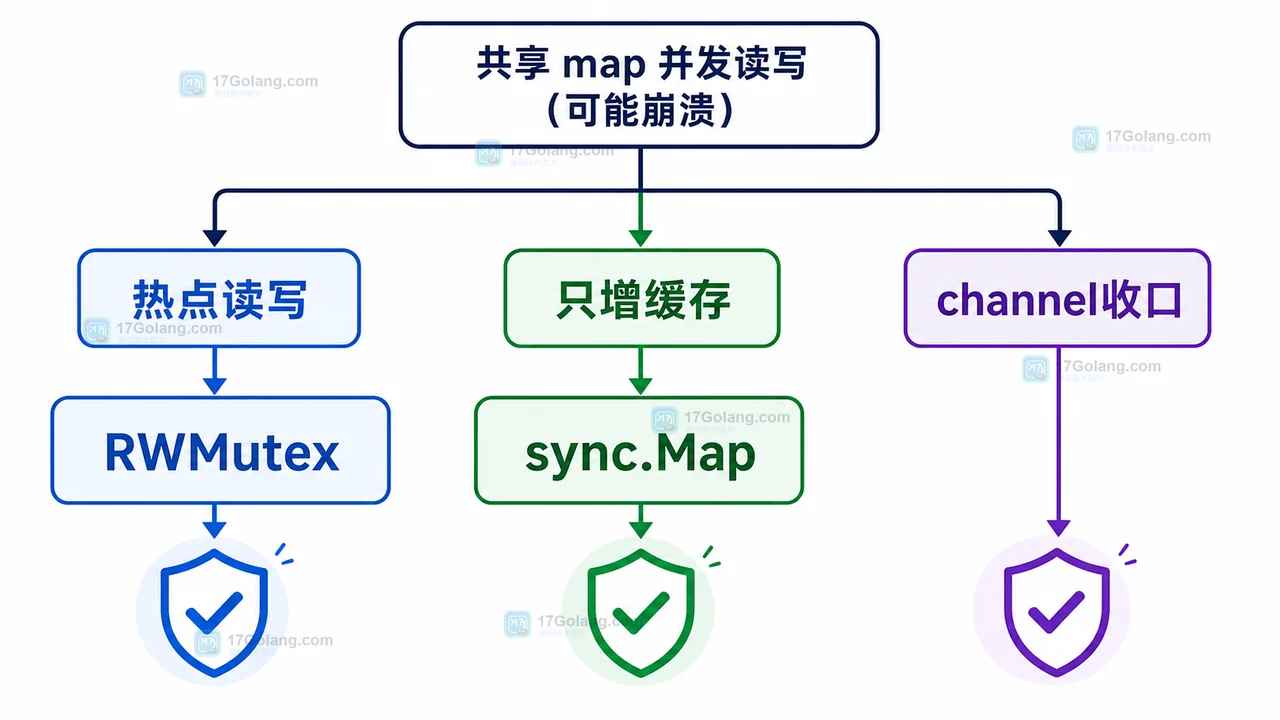
- Go语言中atomic包如何保证并发安全?
- 109浏览 收藏
![Go 问答:nil slice 和空 slice 有什么区别,JSON 为什么一个是 null 一个是 []](/uploads/20260616/1781589727-go-nil-empty-slice-struct.webp)
查看更多
课程推荐
-

- 前端进阶之JavaScript设计模式
- 设计模式是开发人员在软件开发过程中面临一般问题时的解决方案,代表了最佳的实践。本课程的主打内容包括JS常见设计模式以及具体应用场景,打造一站式知识长龙服务,适合有JS基础的同学学习。
- 543次学习
-

- GO语言核心编程课程
- 本课程采用真实案例,全面具体可落地,从理论到实践,一步一步将GO核心编程技术、编程思想、底层实现融会贯通,使学习者贴近时代脉搏,做IT互联网时代的弄潮儿。
- 516次学习
-

- 简单聊聊mysql8与网络通信
- 如有问题加微信:Le-studyg;在课程中,我们将首先介绍MySQL8的新特性,包括性能优化、安全增强、新数据类型等,帮助学生快速熟悉MySQL8的最新功能。接着,我们将深入解析MySQL的网络通信机制,包括协议、连接管理、数据传输等,让
- 500次学习
-

- JavaScript正则表达式基础与实战
- 在任何一门编程语言中,正则表达式,都是一项重要的知识,它提供了高效的字符串匹配与捕获机制,可以极大的简化程序设计。
- 487次学习
-

- 从零制作响应式网站—Grid布局
- 本系列教程将展示从零制作一个假想的网络科技公司官网,分为导航,轮播,关于我们,成功案例,服务流程,团队介绍,数据部分,公司动态,底部信息等内容区块。网站整体采用CSSGrid布局,支持响应式,有流畅过渡和展现动画。
- 485次学习
查看更多
AI推荐
-

- ljg-skills
- ljg-skills 是李继刚开源的 AI 技能与提示词集合,面向大模型使用者整理了一批可复用的 prompt、角色设定和任务技能模板,适合用于学习提示词设计、搭建个人 AI 工作流和沉淀团队常用智能体能力。
- 517次使用
-

- MELO音乐
- MELO音乐是一站式AI视频与音乐制作助手,对标suno, udio的高品质体验。提供伴奏生成、原创写词、无损导出、哼唱识曲、混音变声等全套音频与短视频编辑工具。无论是流行Kpop、电音说唱、民谣古风、摇滚儿歌还是商用轻音乐,MELO为你免费谱曲,轻松做同款!
- 531次使用
-

- UniScribe
- UniScribe 是一款 AI 音视频转文字与内容整理工具,支持上传音频、视频文件或粘贴 YouTube 链接,自动生成转写文本、摘要、思维导图和关键问题,并支持多格式导出,适合会议记录、课程学习、访谈整理和内容创作复盘。
- 489次使用
-

- 剧云
- 剧云是专业中文剧本创作平台,安全稳定运行十余年,集成AI编剧、剧本医生审核、人物小传、剧情关系图、大纲编写、多人协作、Word导入导出、版权管控功能,数据安全防护,轻松高效创作剧本。
- 668次使用
-

- 万象有声
- 万象有声,一个专为有声创作者打造的新一代智能有声内容创作平台。平台提供专业的智能拆章、智能画本编辑、AI配音、AI生成音效、后期制作、智能对轨、智能审听等有声创作全流程工具,可以帮助创作者高效、低成本创作出引人入胜的有声作品。立即体验,让有声书制作更简单!
- 643次使用
查看更多
相关文章
-
- GoLand调式动态执行代码
- 2023-01-13 502浏览
-
- 用Nginx反向代理部署go写的网站。
- 2023-01-17 502浏览
-
- Golang取得代码运行时间的问题
- 2023-02-24 501浏览
-
- 请问 go 代码如何实现在代码改动后不需要Ctrl+c,然后重新 go run *.go 文件?
- 2023-01-08 501浏览
-
- 如何从同一个 io.Reader 读取多次
- 2023-04-11 501浏览


