
我更新了 BoardGameGeek 数据的 Python 获取器
目前golang学习网上已经有很多关于文章的文章了,自己在初次阅读这些文章中,也见识到了很多学习思路;那么本文《我更新了 BoardGameGeek 数据的 Python 获取器》,也希望能帮助到大家,如果阅读完后真的对你学习文章有帮助,欢迎动动手指,评论留言并分享~

此脚本将从 boardgamegeek api 获取项目数据并将数据存储在 csv 文件中。
我更新了之前的脚本。由于 api 响应采用 xml 格式,并且没有端点可以一次获取所有项目,因此前面的脚本将循环遍历提供的 id 范围,对每个项目进行逐一调用。这不是最优的,对于较大范围的 id 来说需要很长时间(目前 bgg 上可用的项目 (id) 的最高数量高达 400k+),并且结果可能不可靠。因此,通过对此脚本的一些修改,更多的项目id将作为参数值添加到单个请求url中,这样,单个响应将返回多个项目(〜800是单个响应返回的最高数量。bgg稍后可能会更改它;您可以轻松调整batch_size以便根据需要进行调整)。
此外,此脚本将获取所有项目,而不仅仅是与棋盘游戏相关的数据。
为每个棋盘游戏获取和存储的信息如下:
名称、游戏 id、类型、评级、权重、发布年份、最小玩家数、最大玩家数、最短游戏时间、最大支付时间、最小年龄、所属者、类别、机制、设计师、艺术家和发行商。
该脚本的更新如下;我们首先导入此脚本所需的库:
# import libraries
from bs4 import beautifulsoup
from csv import dictwriter
import pandas as pd
import requests
import time
以下是脚本完成时根据 id 范围调用的函数。此外,如果发出请求时出现错误,将调用此函数以存储截至异常发生时附加到游戏列表的所有数据。
# csv file saving function
def save_to_csv(games):
    csv_header = [
        'name', 'game_id', 'type', 'rating', 'weight', 'year_published', 'min_players', 'max_players',
        'min_play_time', 'max_play_time', 'min_age', 'owned_by', 'categories',
        'mechanics', 'designers', 'artists', 'publishers'
    ]
    with open('bgg.csv', 'a', encoding='utf8') as f:
        dictwriter_object = dictwriter(f, fieldnames=csv_header)
        if f.tell() == 0:
            dictwriter_object.writeheader()
        dictwriter_object.writerows(games)
我们需要定义请求的标头。请求之间的暂停可以通过 sleep_between_requests 设置(我看到一些信息说速率限制是每秒 2 个请求,但它可能是过时的信息,因为我将暂停设置为 0 没有遇到问题)。另外,这里设置起始点id(start_id_range)、最大范围(max_id_range)和batch_size的值,batch_size是响应应该返回的游戏数量。基本 url 在本节中定义,但 id 在脚本的下一部分中添加。
# define request url headers
headers = {
    "user-agent": "mozilla/5.0 (macintosh; intel mac os x 10.16; rv:85.0) gecko/20100101 firefox/85.0",
    "accept-language": "en-gb, en-us, q=0.9, en"
}

# define sleep timer value between requests
sleep_between_request = 0

# define max id range
start_id_range = 0
max_id_range = 403000
batch_size = 800
base_url = "https://boardgamegeek.com/xmlapi2/thing?id="
下面是这个脚本的主要逻辑。首先,根据批量大小,它会生成一个在定义的 id 范围内的 id 字符串,但 id 的数量不得超过 batch_size 中定义的数量,并将其附加到 url 的 id 参数中。这样,每个响应将返回与批量大小相同的项目数量的数据。之后,它将处理数据并将其附加到每个响应的游戏列表中,最后附加到 csv 文件中。
# main loop that will iterate between the starting and maximum range in intervals of the batch size
for batch_start in range(start_id_range, max_id_range, batch_size):
    # make sure that the batch size will not exceed the maximum ids range
    batch_end = min(batch_start + batch_size - 1, max_id_range)
    # join and append to the url the ids within batch size
    ids = ",".join(map(str, range(batch_start, batch_end + 1)))
    url = f"{base_url}?id={ids}&stats=1"

    # if by any chance there is an error, this will throw the exception and continue on the next batch
    try:
        response = requests.get(url, headers=headers)
    except exception as err:
        print(err)
        continue


    if response.status_code == 200:
        soup = beautifulsoup(response.text, features="html.parser")
        items = soup.find_all("item")
        games = []
        for item in items:
            if item:
                try:
                    # find values in the xml
                    name = item.find("name")['value'] if item.find("name") is not none else 0
                    year_published = item.find("yearpublished")['value'] if item.find("yearpublished") is not none else 0
                    min_players = item.find("minplayers")['value'] if item.find("minplayers") is not none else 0
                    max_players = item.find("maxplayers")['value'] if item.find("maxplayers") is not none else 0
                    min_play_time = item.find("minplaytime")['value'] if item.find("minplaytime") is not none else 0
                    max_play_time = item.find("maxplaytime")['value'] if item.find("maxplaytime") is not none else 0
                    min_age = item.find("minage")['value'] if item.find("minage") is not none else 0
                    rating = item.find("average")['value'] if item.find("average") is not none else 0
                    weight = item.find("averageweight")['value'] if item.find("averageweight") is not none else 0
                    owned = item.find("owned")['value'] if item.find("owned") is not none else 0


                    link_type = {'categories': [], 'mechanics': [], 'designers': [], 'artists': [], 'publishers': []}

                    links = item.find_all("link")

                    # append value(s) for each link type
                    for link in links:
                        if link['type'] == "boardgamecategory":
                            link_type['categories'].append(link['value'])
                        if link['type'] == "boardgamemechanic":
                            link_type['mechanics'].append(link['value'])
                        if link['type'] == "boardgamedesigner":
                            link_type['designers'].append(link['value'])
                        if link['type'] == "boardgameartist":
                            link_type['artists'].append(link['value'])
                        if link['type'] == "boardgamepublisher":
                            link_type['publishers'].append(link['value'])

                    # append 0 if there is no value for any link type
                    for key, ltype in link_type.items():
                        if not ltype:
                            ltype.append("0")

                    game = {
                        "name": name,
                        "game_id": item['id'],
                        "type": item['type'],
                        "rating": rating,
                        "weight": weight,
                        "year_published": year_published,
                        "min_players": min_players,
                        "max_players": max_players,
                        "min_play_time": min_play_time,
                        "max_play_time": max_play_time,
                        "min_age": min_age,
                        "owned_by": owned,
                        "categories": ', '.join(link_type['categories']),
                        "mechanics": ', '.join(link_type['mechanics']),
                        "designers": ', '.join(link_type['designers']),
                        "artists": ', '.join(link_type['artists']),
                        "publishers": ', '.join(link_type['publishers']),
                    }

                    # append current item to games list
                    games.append(game)
                except typeerror:
                    print(">>> nonetype error. continued on the next item.")
                    continue
        save_to_csv(games)

        print(f">>> request successful for batch {batch_start}-{batch_end}")
    else:
        print(f">>> failed batch {batch_start}-{batch_end}")

    # pause between requests
    time.sleep(sleep_between_request)
下面您可以以 pandas dataframe 的形式预览 csv 文件中的前几行记录。
# Preview the CSV as pandas DataFrame
df = pd.read_csv('./bgg.csv')
print(df.head(5))
文中关于的知识介绍,希望对你的学习有所帮助!若是受益匪浅,那就动动鼠标收藏这篇《我更新了 BoardGameGeek 数据的 Python 获取器》文章吧,也可关注golang学习网公众号了解相关技术文章。
 初级与高级:没那么不同
- 上一篇
- 初级与高级:没那么不同

- 下一篇
- php函数对象编程指南中的特殊情况是什么?
-
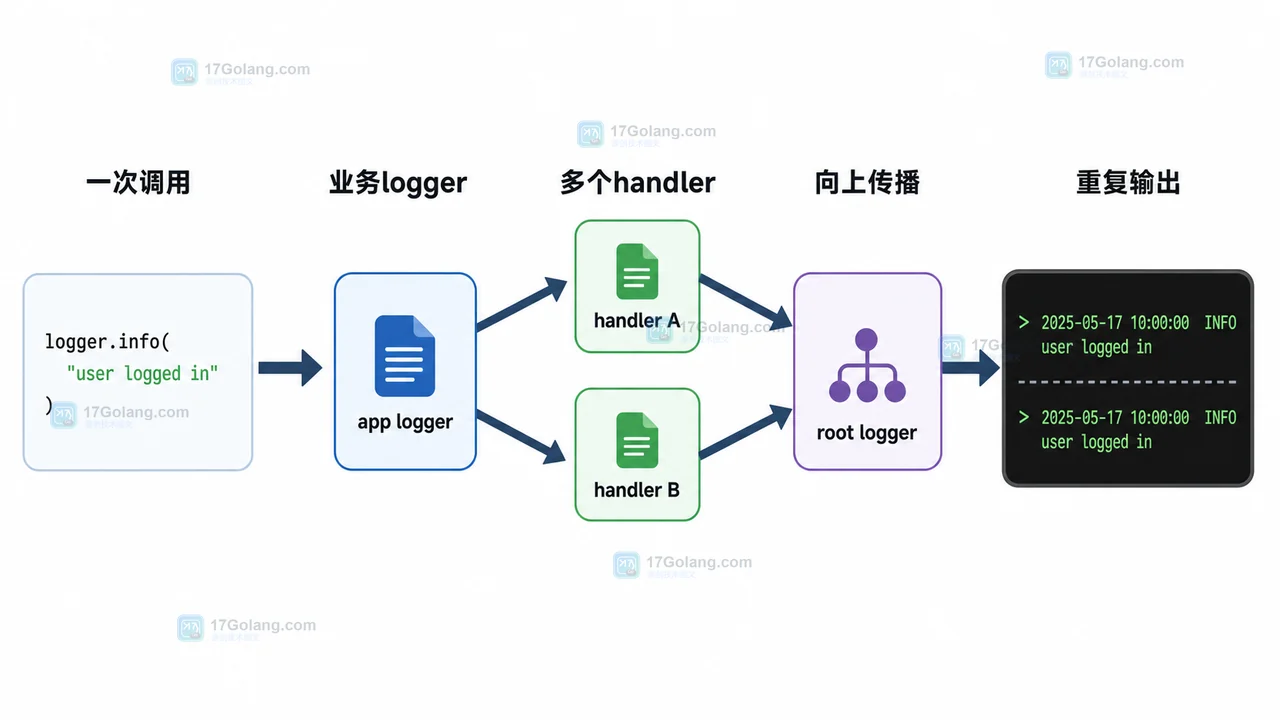
- 文章 · python教程 | 2天前 | logging · Python教程 · 后端开发 · 日志排查 · Python logging 日志重复 propagate addHandler basicConfig
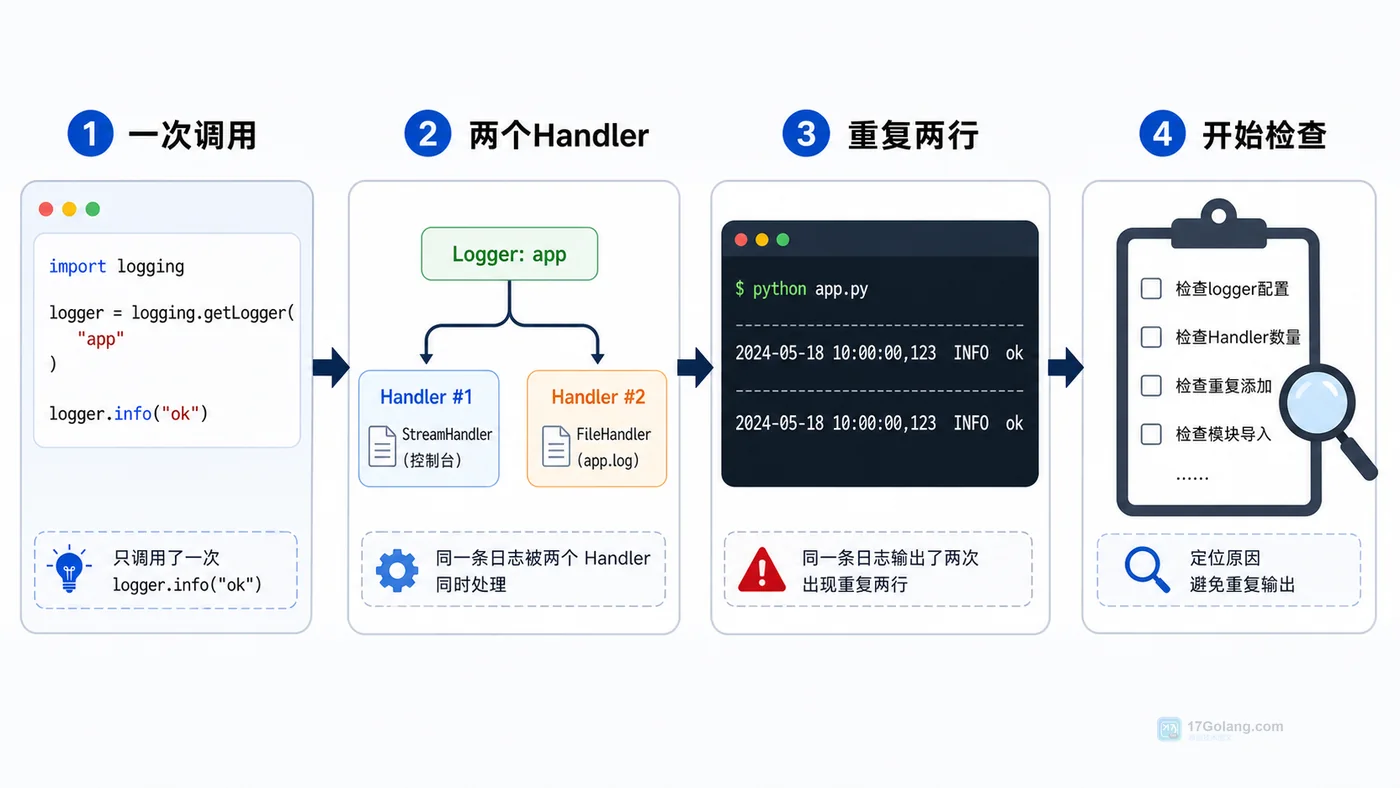
- Python logging 日志重复打印排查:为什么一条记录输出了两遍
- 324浏览 收藏
-
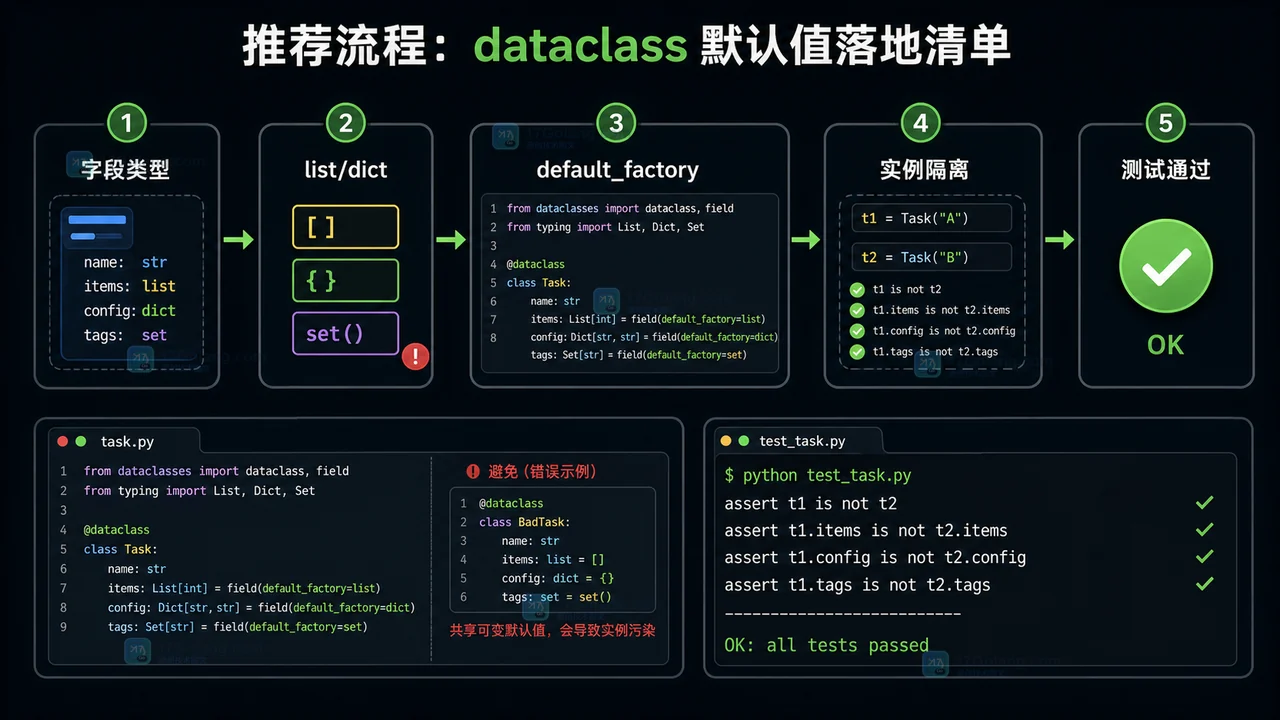
- 文章 · python教程 | 1星期前 | 默认值 · python · 数据建模 · dataclass · default_factory · field · Python 数据类 Field 可变默认值 dataclass default_factory
- Python dataclass 默认值完整工作流:从可变默认值到 default_factory
- 228浏览 收藏
-

- 前端进阶之JavaScript设计模式
- 设计模式是开发人员在软件开发过程中面临一般问题时的解决方案,代表了最佳的实践。本课程的主打内容包括JS常见设计模式以及具体应用场景,打造一站式知识长龙服务,适合有JS基础的同学学习。
- 543次学习
-

- GO语言核心编程课程
- 本课程采用真实案例,全面具体可落地,从理论到实践,一步一步将GO核心编程技术、编程思想、底层实现融会贯通,使学习者贴近时代脉搏,做IT互联网时代的弄潮儿。
- 516次学习
-

- 简单聊聊mysql8与网络通信
- 如有问题加微信:Le-studyg;在课程中,我们将首先介绍MySQL8的新特性,包括性能优化、安全增强、新数据类型等,帮助学生快速熟悉MySQL8的最新功能。接着,我们将深入解析MySQL的网络通信机制,包括协议、连接管理、数据传输等,让
- 500次学习
-

- JavaScript正则表达式基础与实战
- 在任何一门编程语言中,正则表达式,都是一项重要的知识,它提供了高效的字符串匹配与捕获机制,可以极大的简化程序设计。
- 487次学习
-

- 从零制作响应式网站—Grid布局
- 本系列教程将展示从零制作一个假想的网络科技公司官网,分为导航,轮播,关于我们,成功案例,服务流程,团队介绍,数据部分,公司动态,底部信息等内容区块。网站整体采用CSSGrid布局,支持响应式,有流畅过渡和展现动画。
- 485次学习
-

- ljg-skills
- ljg-skills 是李继刚开源的 AI 技能与提示词集合,面向大模型使用者整理了一批可复用的 prompt、角色设定和任务技能模板,适合用于学习提示词设计、搭建个人 AI 工作流和沉淀团队常用智能体能力。
- 2903次使用
-

- MELO音乐
- MELO音乐是一站式AI视频与音乐制作助手,对标suno, udio的高品质体验。提供伴奏生成、原创写词、无损导出、哼唱识曲、混音变声等全套音频与短视频编辑工具。无论是流行Kpop、电音说唱、民谣古风、摇滚儿歌还是商用轻音乐,MELO为你免费谱曲,轻松做同款!
- 2691次使用
-

- UniScribe
- UniScribe 是一款 AI 音视频转文字与内容整理工具,支持上传音频、视频文件或粘贴 YouTube 链接,自动生成转写文本、摘要、思维导图和关键问题,并支持多格式导出,适合会议记录、课程学习、访谈整理和内容创作复盘。
- 2624次使用
-

- 剧云
- 剧云是专业中文剧本创作平台,安全稳定运行十余年,集成AI编剧、剧本医生审核、人物小传、剧情关系图、大纲编写、多人协作、Word导入导出、版权管控功能,数据安全防护,轻松高效创作剧本。
- 2857次使用
-

- 万象有声
- 万象有声,一个专为有声创作者打造的新一代智能有声内容创作平台。平台提供专业的智能拆章、智能画本编辑、AI配音、AI生成音效、后期制作、智能对轨、智能审听等有声创作全流程工具,可以帮助创作者高效、低成本创作出引人入胜的有声作品。立即体验,让有声书制作更简单!
- 2797次使用
-
- Python监控网页状态:requests异常处理实战
- 2026-05-29 501浏览
-
- TensorFlow模型部署为API的TF Serving方法
- 2026-05-26 501浏览
-
- Python字符串编码转换:encode与decode详解
- 2026-05-16 501浏览
-
- TensorFlow裁剪无用算子方法详解
- 2026-05-15 501浏览
-
- httpx 如何设置代理认证(Proxy-Authorization)
- 2026-05-05 501浏览


