
图像处理脚本:PNG转换器和resizer
各位小伙伴们,大家好呀!看看今天我又给各位带来了什么文章?本文标题是《图像处理脚本:PNG转换器和resizer》,很明显是关于文章的文章哈哈哈,其中内容主要会涉及到等等,如果能帮到你,觉得很不错的话,欢迎各位多多点评和分享!
This Python script automates image processing, ensuring transparency, cropping unused space, resizing to fit a 2:1 canvas, and cleaning filenames. Let's improve the clarity and structure for better understanding and maintainability.

Image Processing Script: PNG Converter and Resizer
This Python script streamlines image processing by ensuring transparency, cropping excess space, resizing to a 2:1 aspect ratio, and standardizing filenames. Here's a breakdown of its functionality:
- Transparency Handling: Converts images to PNG format with transparency. If an image has a white background, it's replaced with transparency.
- Space Removal: Removes spaces from filenames, replacing them with underscores (
_). - Filename Shortening: Truncates filenames exceeding a maximum length (30 characters).
- Cropping: Crops any extra unused space around the image.
- Resizing: Resizes images to fit a 2:1 canvas (e.g., 400x200), maintaining aspect ratio and centering the image.
- Logging Skipped Images: Records filenames of images skipped due to unsupported formats, emptiness, or full transparency.
- Dependencies: Requires the Pillow (PIL fork) library. Install it using:
pip install Pillow
How to Use:
- Place your images in a folder (e.g.,
images). - Run the script. It will process the images and save them to a new folder (e.g.,
edited_images). - Processed images will be resized, centered, and saved as PNGs with transparency.
Notes:
The script handles only valid image formats and logs any issues with unsupported formats or transparency in the console.
Improved Python Script:
from PIL import Image
import os

def ensure_transparency(image):
    """Ensures the image has transparency; replaces white backgrounds with transparency."""
    if image.mode != 'RGBA':
        image = image.convert('RGBA')
    if image.getchannel('A').getextrema()[0] != 0:
        data = image.getdata()
        new_data = [(r, g, b, 0) if r > 240 and g > 240 and b > 240 else (r, g, b, a) for r, g, b, a in data]
        image.putdata(new_data)
    return image

def crop_and_resize(image, target_width, target_height):
    """Crops unused space and resizes to the target dimensions, maintaining aspect ratio."""
    bbox = image.getbbox()
    if bbox is None:
        return None  # Image is empty or fully transparent

    cropped = image.crop(bbox)
    width, height = cropped.size
    aspect_ratio = target_width / target_height

    if width / height > aspect_ratio:
        new_width = target_width
        new_height = int(new_width * (height / width))
    else:
        new_height = target_height
        new_width = int(new_height * (width / height))

    resized = cropped.resize((new_width, new_height), Image.LANCZOS)
    return resized

def process_image(input_path, output_path, target_width, target_height):
    """Processes a single image: ensures transparency, crops, resizes, and saves."""
    try:
        image = Image.open(input_path)
        image = ensure_transparency(image)
        resized_image = crop_and_resize(image, target_width, target_height)
        if resized_image:
            canvas = Image.new("RGBA", (target_width, target_height), (255, 255, 255, 0))
            x_offset = (target_width - resized_image.width) // 2
            y_offset = (target_height - resized_image.height) // 2
            canvas.paste(resized_image, (x_offset, y_offset))
            canvas.save(output_path, "PNG")
            return True
        else:
            return False
    except IOError:
        print(f"Error processing {input_path}")
        return False

def shorten_filename(filename, max_length=30):
    """Shortens filenames, preserving extensions."""
    name, ext = os.path.splitext(filename)
    return f"{name[:max_length]}{ext}"

def batch_process_images(input_dir, output_dir, target_width, target_height):
    """Processes all images in the input directory."""
    os.makedirs(output_dir, exist_ok=True)
    skipped = []
    for filename in os.listdir(input_dir):
        if filename.lower().endswith(('.jpg', '.jpeg', '.png')):
            input_path = os.path.join(input_dir, filename)
            new_filename = shorten_filename(filename.replace(" ", "_"))
            output_path = os.path.join(output_dir, new_filename)
            if not process_image(input_path, output_path, target_width, target_height):
                skipped.append(filename)
    if skipped:
        print("\nSkipped images:")
        for filename in skipped:
            print(f"- {filename}")


input_directory = './images'
output_directory = './edited_images'
batch_process_images(input_directory, output_directory, 400, 200) #Example 2:1 ratio
This revised script is more efficient, readable, and uses more descriptive variable names and function names. Error handling is improved, and the code is better organized into logical functions. Remember to create the images directory and place your images inside before running the script.
今天关于《图像处理脚本:PNG转换器和resizer》的内容介绍就到此结束,如果有什么疑问或者建议,可以在golang学习网公众号下多多回复交流;文中若有不正之处,也希望回复留言以告知!
 2月艺术挑战
-
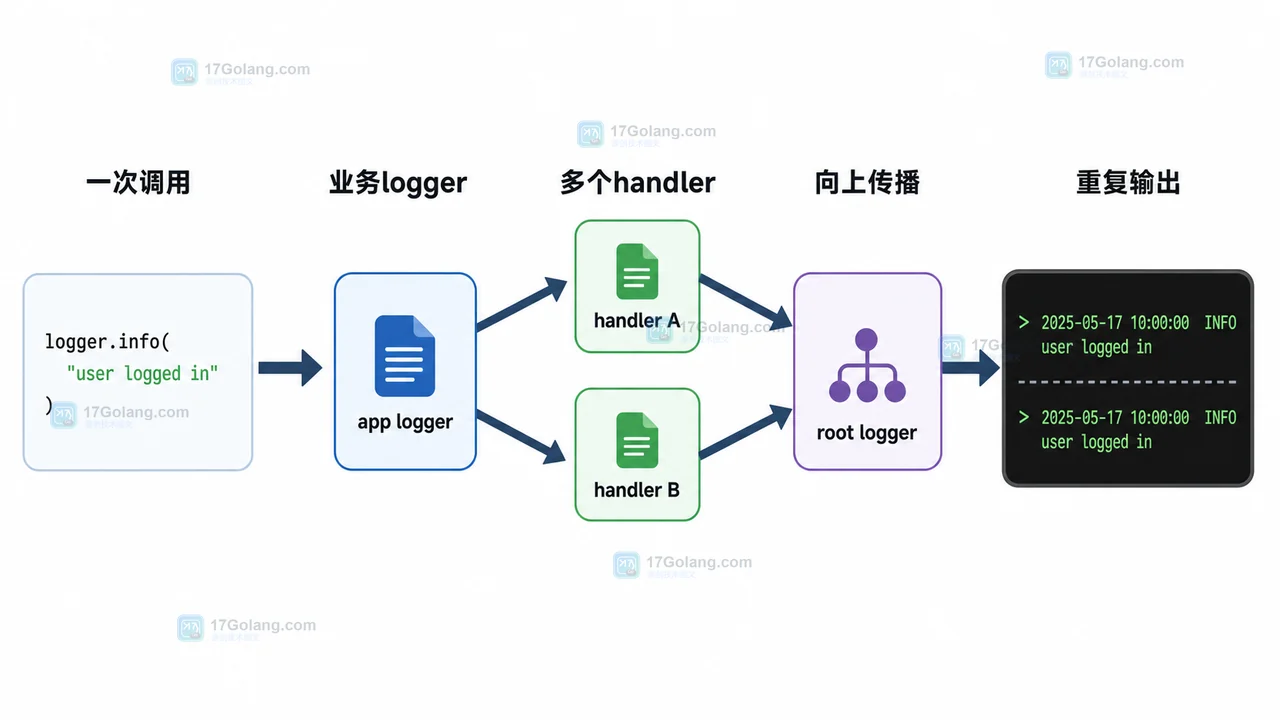
- 文章 · python教程 | 5天前 | logging · Python教程 · 后端开发 · 日志排查 · Python logging 日志重复 propagate addHandler basicConfig
- Python logging 日志重复打印排查:为什么一条记录输出了两遍
- 324浏览 收藏
-
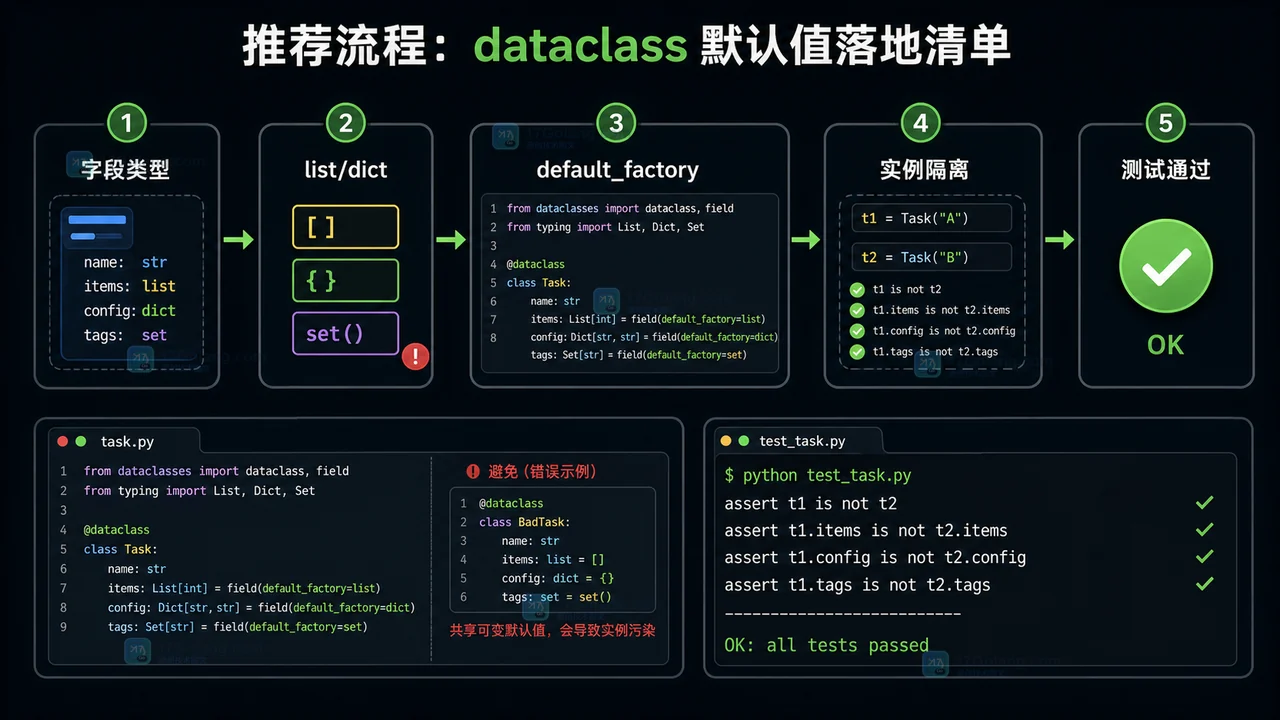
- 文章 · python教程 | 2星期前 | 默认值 · python · 数据建模 · dataclass · default_factory · field · Python 数据类 Field 可变默认值 dataclass default_factory
- Python dataclass 默认值完整工作流:从可变默认值到 default_factory
- 228浏览 收藏
-

- 前端进阶之JavaScript设计模式
- 设计模式是开发人员在软件开发过程中面临一般问题时的解决方案,代表了最佳的实践。本课程的主打内容包括JS常见设计模式以及具体应用场景,打造一站式知识长龙服务,适合有JS基础的同学学习。
- 543次学习
-

- GO语言核心编程课程
- 本课程采用真实案例,全面具体可落地,从理论到实践,一步一步将GO核心编程技术、编程思想、底层实现融会贯通,使学习者贴近时代脉搏,做IT互联网时代的弄潮儿。
- 516次学习
-

- 简单聊聊mysql8与网络通信
- 如有问题加微信:Le-studyg;在课程中,我们将首先介绍MySQL8的新特性,包括性能优化、安全增强、新数据类型等,帮助学生快速熟悉MySQL8的最新功能。接着,我们将深入解析MySQL的网络通信机制,包括协议、连接管理、数据传输等,让
- 500次学习
-

- JavaScript正则表达式基础与实战
- 在任何一门编程语言中,正则表达式,都是一项重要的知识,它提供了高效的字符串匹配与捕获机制,可以极大的简化程序设计。
- 487次学习
-

- 从零制作响应式网站—Grid布局
- 本系列教程将展示从零制作一个假想的网络科技公司官网,分为导航,轮播,关于我们,成功案例,服务流程,团队介绍,数据部分,公司动态,底部信息等内容区块。网站整体采用CSSGrid布局,支持响应式,有流畅过渡和展现动画。
- 485次学习
-

- ljg-skills
- ljg-skills 是李继刚开源的 AI 技能与提示词集合,面向大模型使用者整理了一批可复用的 prompt、角色设定和任务技能模板,适合用于学习提示词设计、搭建个人 AI 工作流和沉淀团队常用智能体能力。
- 3414次使用
-

- MELO音乐
- MELO音乐是一站式AI视频与音乐制作助手,对标suno, udio的高品质体验。提供伴奏生成、原创写词、无损导出、哼唱识曲、混音变声等全套音频与短视频编辑工具。无论是流行Kpop、电音说唱、民谣古风、摇滚儿歌还是商用轻音乐,MELO为你免费谱曲,轻松做同款!
- 3167次使用
-

- UniScribe
- UniScribe 是一款 AI 音视频转文字与内容整理工具,支持上传音频、视频文件或粘贴 YouTube 链接,自动生成转写文本、摘要、思维导图和关键问题,并支持多格式导出,适合会议记录、课程学习、访谈整理和内容创作复盘。
- 3129次使用
-

- 剧云
- 剧云是专业中文剧本创作平台,安全稳定运行十余年,集成AI编剧、剧本医生审核、人物小传、剧情关系图、大纲编写、多人协作、Word导入导出、版权管控功能,数据安全防护,轻松高效创作剧本。
- 3328次使用
-

- 万象有声
- 万象有声,一个专为有声创作者打造的新一代智能有声内容创作平台。平台提供专业的智能拆章、智能画本编辑、AI配音、AI生成音效、后期制作、智能对轨、智能审听等有声创作全流程工具,可以帮助创作者高效、低成本创作出引人入胜的有声作品。立即体验,让有声书制作更简单!
- 3281次使用
-
- Python监控网页状态:requests异常处理实战
- 2026-05-29 501浏览
-
- TensorFlow模型部署为API的TF Serving方法
- 2026-05-26 501浏览
-
- Python字符串编码转换:encode与decode详解
- 2026-05-16 501浏览
-
- TensorFlow裁剪无用算子方法详解
- 2026-05-15 501浏览
-
- httpx 如何设置代理认证(Proxy-Authorization)
- 2026-05-05 501浏览


