
自定义PSR-7响应优化代码结构
本文深入探讨了在 Slim 4 框架中如何通过自定义 PSR-7 ResponseInterface 来优化 JSON 响应,有效减少重复代码,提升开发效率。针对 API 接口开发中常见的统一响应格式需求,文章重点介绍了利用装饰器模式扩展 ResponseInterface 功能的实践方法,并提供了清晰、可维护的代码示例。同时,还讨论了依赖注入和工厂模式的应用,旨在构建更灵活、易于测试的代码结构。通过本文,开发者可以掌握自定义 PSR-7 响应的技巧,避免编写大量样板代码,从而专注于业务逻辑的实现,提升 Slim 4 应用的开发效率和代码质量。

本文将探讨如何在 Slim 4 框架中,通过创建自定义的 PSR-7 ResponseInterface 实现,来减少 JSON 响应的样板代码。我们将分析使用装饰器模式的优势,并提供一种清晰、可维护的解决方案,以实现统一的 API 响应格式。同时,我们将讨论依赖注入和工厂模式,以提供更灵活和可测试的代码结构。
使用装饰器模式自定义 PSR-7 响应
PSR-7 标准中的 ResponseInterface 提供了处理 HTTP 响应的通用接口。为了减少样板代码并保持响应格式的一致性,我们可以使用装饰器模式来扩展 ResponseInterface 的功能。
装饰器模式允许我们在不修改原始类的情况下,动态地添加新的行为。这非常适合 PSR-7 ResponseInterface,因为我们不应该直接扩展其实现类。
以下是一个使用装饰器模式创建自定义 ResponseInterface 的示例:
use Psr\Http\Message\ResponseInterface;

class ApiResponse implements ResponseInterface
{
    private ResponseInterface $response;
    private Serializer $serializer;

    public function __construct(ResponseInterface $response, Serializer $serializer)
    {
        $this->response = $response;
        $this->serializer = $serializer;
    }

    public function success(array $data): ResponseInterface
    {
        $payload = [
            'status' => 'success',
            'data' => $data,
            'messages' => [],
        ];

        $this->response->getBody()->write($this->serializer->serialize($payload));

        return $this->response
            ->withHeader('Content-Type', 'application/json')
            ->withStatus(200);
    }

    // 实现 ResponseInterface 的所有其他方法,并将调用委托给 $this->response
    public function getProtocolVersion(): string
    {
        return $this->response->getProtocolVersion();
    }

    public function withProtocolVersion(string $version): ResponseInterface
    {
        $this->response = $this->response->withProtocolVersion($version);
        return $this;
    }

    public function getHeaders(): array
    {
        return $this->response->getHeaders();
    }

    public function hasHeader(string $name): bool
    {
        return $this->response->hasHeader($name);
    }

    public function getHeader(string $name): array
    {
        return $this->response->getHeader($name);
    }

    public function getHeaderLine(string $name): string
    {
        return $this->response->getHeaderLine($name);
    }

    public function withHeader(string $name, $value): ResponseInterface
    {
        $this->response = $this->response->withHeader($name, $value);
        return $this;
    }

    public function withAddedHeader(string $name, $value): ResponseInterface
    {
        $this->response = $this->response->withAddedHeader($name, $value);
        return $this;
    }

    public function withoutHeader(string $name): ResponseInterface
    {
        $this->response = $this->response->withoutHeader($name);
        return $this;
    }

    public function getBody(): StreamInterface
    {
        return $this->response->getBody();
    }

    public function withBody(StreamInterface $body): ResponseInterface
    {
        $this->response = $this->response->withBody($body);
        return $this;
    }

    public function getStatusCode(): int
    {
        return $this->response->getStatusCode();
    }

    public function withStatus(int $code, string $reasonPhrase = ''): ResponseInterface
    {
        $this->response = $this->response->withStatus($code, $reasonPhrase);
        return $this;
    }

    public function getReasonPhrase(): string
    {
        return $this->response->getReasonPhrase();
    }

}
在这个例子中,ApiResponse 类实现了 ResponseInterface,并接受一个 ResponseInterface 实例和一个 Serializer 实例作为构造函数参数。success() 方法用于生成具有特定格式的 JSON 响应。 所有其他的 ResponseInterface 方法都被委托给内部的 $this->response 对象。
使用方法:
在你的 Slim 4 控制器中,你可以像这样使用 ApiResponse:
use Psr\Http\Message\ResponseInterface;
use Psr\Http\Message\ServerRequestInterface;

class MyController
{
    private ApiResponse $apiResponse;

    public function __construct(ApiResponse $apiResponse)
    {
        $this->apiResponse = $apiResponse;
    }

    public function __invoke(ServerRequestInterface $request, ResponseInterface $response): ResponseInterface
    {
        $data = ['foo' => 'bar'];
        return $this->apiResponse->success($data);
    }
}
依赖注入:
为了方便地使用 ApiResponse,可以使用依赖注入容器(例如 PHP-DI)来自动创建和注入 ApiResponse 实例。
配置 PHP-DI:
use DI\ContainerBuilder;
use Psr\Container\ContainerInterface;
use Psr\Http\Message\ResponseInterface;
use Nyholm\Psr7\Factory\Psr17Factory; //或者你项目使用的 PSR-17 工厂
use App\ApiResponse;
use App\Serializer; // 假设你有一个 Serializer 类

$containerBuilder = new ContainerBuilder();
$containerBuilder->addDefinitions([
    ApiResponse::class => function (ContainerInterface $container) {
        $responseFactory = new Psr17Factory(); // 使用 PSR-17 工厂创建 Response
        $response = $responseFactory->createResponse();
        $serializer = $container->get(Serializer::class); // 假设 Serializer 已经配置
        return new ApiResponse($response, $serializer);
    },
]);

$container = $containerBuilder->build();
现在,你可以直接在控制器中注入 ApiResponse,而无需手动创建实例。
使用 ResponseFactory
另一种方法是使用 ResponseFactory。 这允许你创建不同类型的响应,而无需在每个控制器中重复样板代码。
use Psr\Http\Message\ResponseInterface;
use Psr\Http\Message\StreamFactoryInterface;

class ResponseFactory
{
    private StreamFactoryInterface $streamFactory;

    public function __construct(StreamFactoryInterface $streamFactory)
    {
        $this->streamFactory = $streamFactory;
    }

    public function createJson(ResponseInterface $response, array $data, int $statusCode = 200): ResponseInterface
    {
        $payload = [
            'status' => 'success',
            'data' => $data,
            'messages' => [],
        ];

        $json = json_encode($payload);
        $response->getBody()->write($json);

        return $response
            ->withHeader('Content-Type', 'application/json')
            ->withStatus($statusCode);
    }

    // 可以添加其他类型的响应创建方法
}
使用方法:
use Psr\Http\Message\ResponseInterface;
use Psr\Http\Message\ServerRequestInterface;

class MyController
{
    private ResponseFactory $responseFactory;

    public function __construct(ResponseFactory $responseFactory)
    {
        $this->responseFactory = $responseFactory;
    }

    public function __invoke(ServerRequestInterface $request, ResponseInterface $response): ResponseInterface
    {
        $data = ['foo' => 'bar'];
        return $this->responseFactory->createJson($response, $data);
    }
}
注意事项:
- 确保正确实现 ResponseInterface 的所有方法,并将调用委托给内部的 $this->response 对象。
- 使用依赖注入容器来管理依赖关系,例如 Serializer 和 ResponseFactory。
- 考虑使用接口来定义 Serializer,以便更容易地切换不同的序列化策略。
- 保持 ApiResponse 类的简洁,只包含与 API 响应格式相关的逻辑。
总结:
通过使用装饰器模式或 ResponseFactory,我们可以有效地减少 Slim 4 框架中 JSON 响应的样板代码,并保持响应格式的一致性。 选择哪种方法取决于项目的具体需求和偏好。 装饰器模式更适合于扩展现有 ResponseInterface 的功能,而 ResponseFactory 更适合于创建不同类型的响应。 无论选择哪种方法,都应该遵循 PSR-7 标准,并使用依赖注入来管理依赖关系。
好了,本文到此结束,带大家了解了《自定义PSR-7响应优化代码结构》,希望本文对你有所帮助!关注golang学习网公众号,给大家分享更多文章知识!
 CSSGrid布局实战教程详解
- 上一篇
- CSSGrid布局实战教程详解

- 下一篇
- Golang自定义错误类型详解教程
-
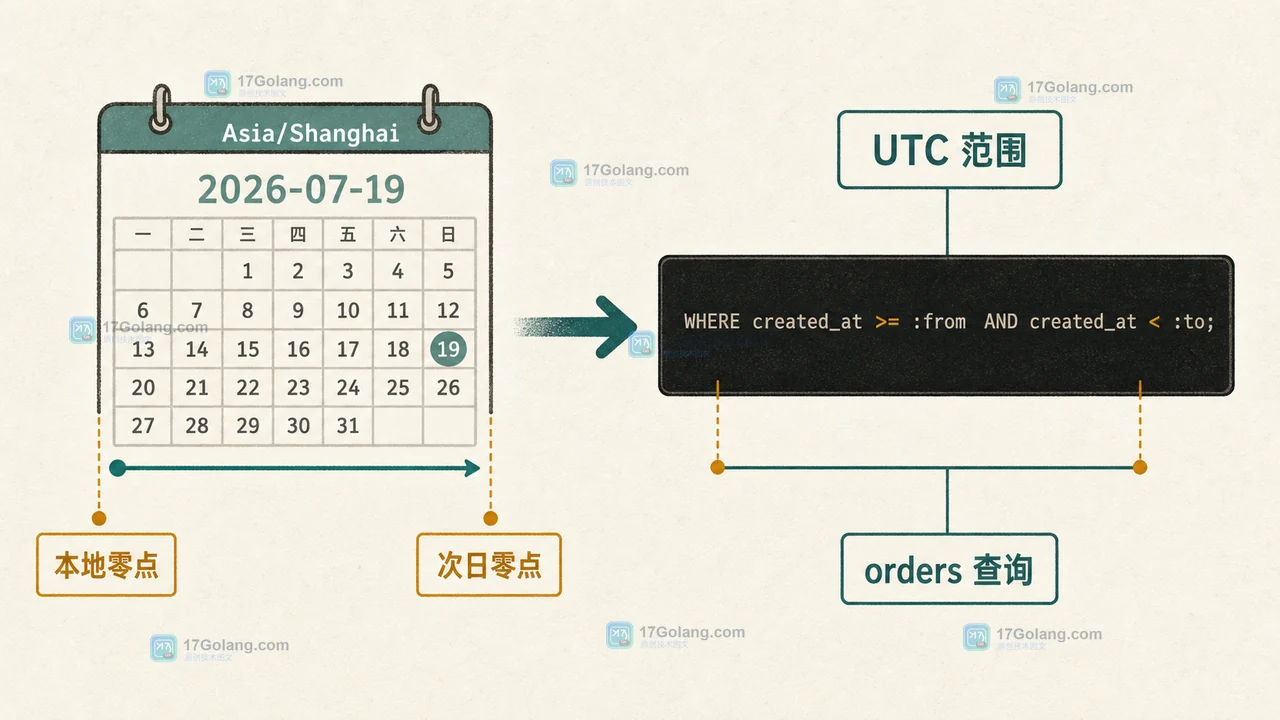
- 文章 · php教程 | 1天前 | API · PHP · 后端开发 · DateTimeImmutable · 时区处理 · php JSON 时区 UTC DateTimeImmutable 接口时间
- PHP DateTimeImmutable 时区处理实战:接口输入、日界线与 JSON 输出怎么选
- 496浏览 收藏
-
- 文章 · php教程 | 2天前 | PHP · 函数式编程 · 升级 · PHP 8.5 · 管道操作符 · 代码可读性 · PHP 8.5 PHP 管道操作符 PHP |> 运算符 PHP 函数链 PHP 8.5 升级 PHP 输入清洗
- PHP 8.5 管道操作符怎么用:从一段输入清洗链判断是否值得升级
- 445浏览 收藏
-
![PHP http_build_query 怎么传数组参数:为什么得到 tag[0],接口又该怎么约定](/uploads/20260718/1784349586-php-query-array-before-after.webp)
- 文章 · php教程 | 2天前 | PHP · api设计 · url编码 · 后端开发 · http_build_query · 查询参数 · PHP http_build_query PHP 数组参数 URL 查询参数 PHP_QUERY_RFC3986 重复键参数 接口参数设计
- PHP http_build_query 怎么传数组参数:为什么得到 tag[0],接口又该怎么约定
- 245浏览 收藏
-
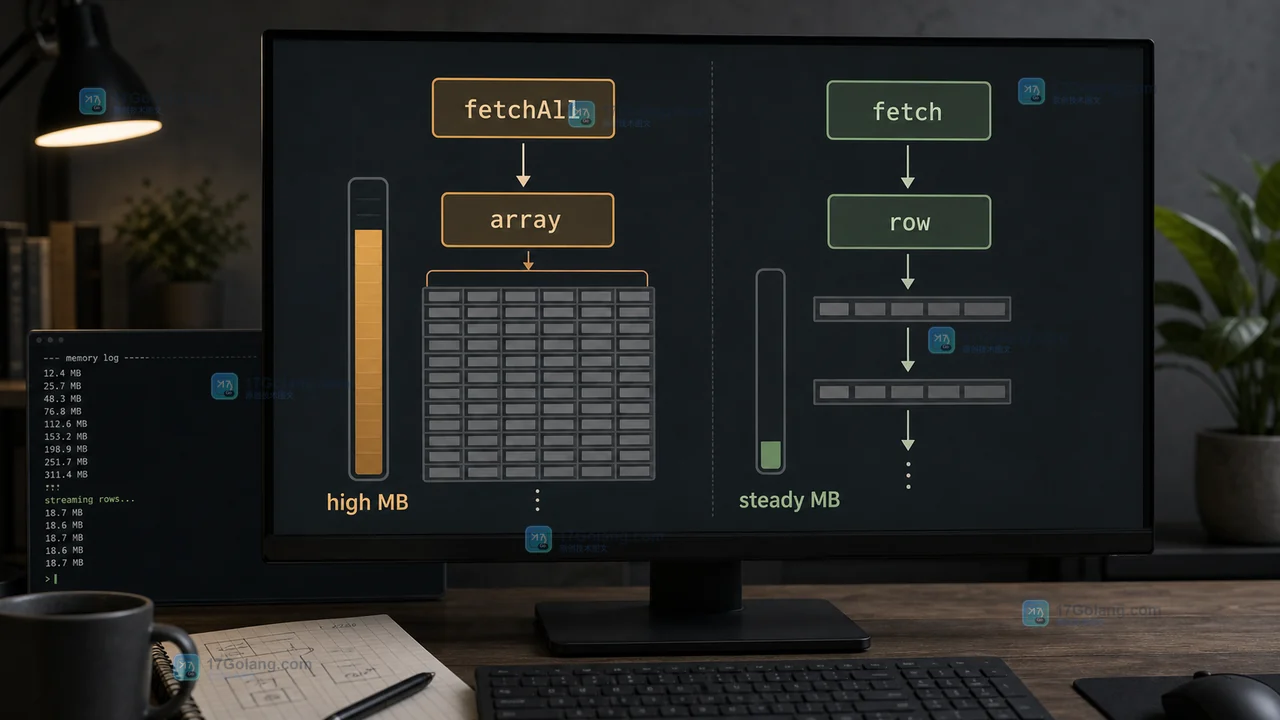
- 文章 · php教程 | 3天前 | [] · []
- PHP PDO fetchAll 内存暴涨怎么办:从全量数组到逐行读取的排查与改造
- 495浏览 收藏
-
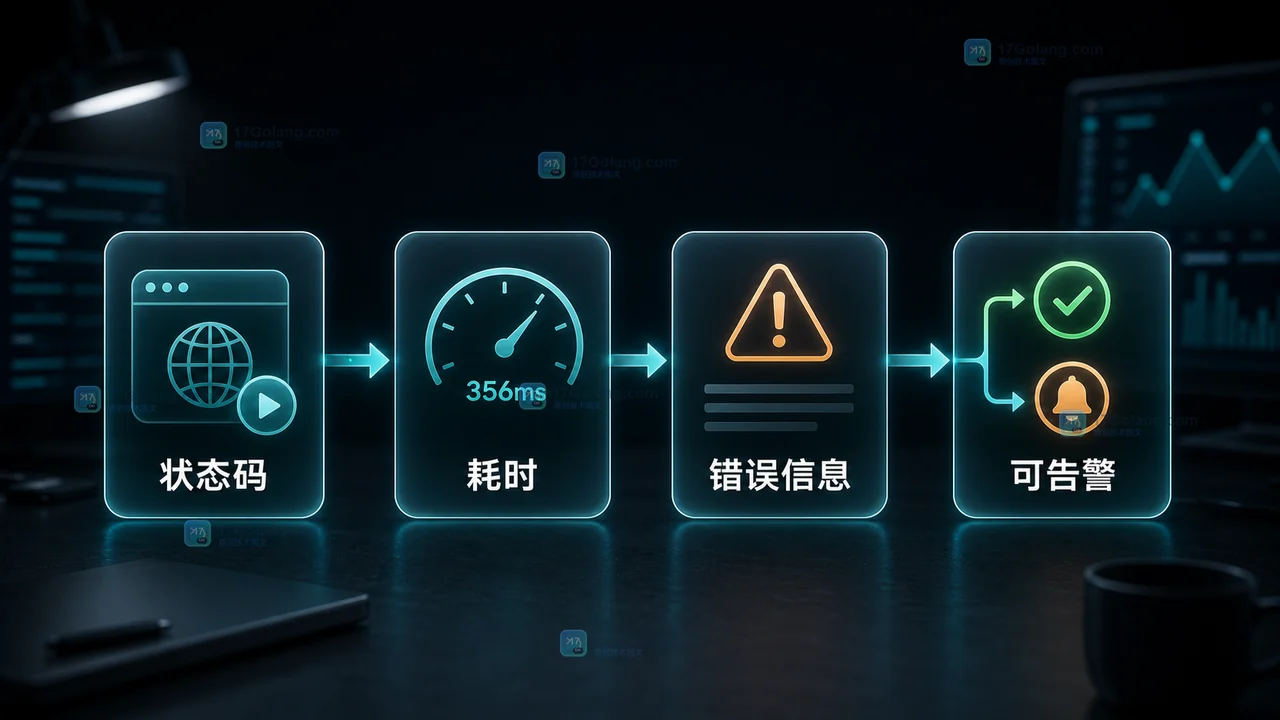
- 文章 · php教程 | 1星期前 | 日志 · HTTP · 超时控制 · php教程 · 接口监控 · 请求超时 stream_context_create PHP教程 PHP HTTP请求 接口探测器
- PHP HTTP 超时探测器怎么写:状态码、耗时和日志验收
- 289浏览 收藏
-
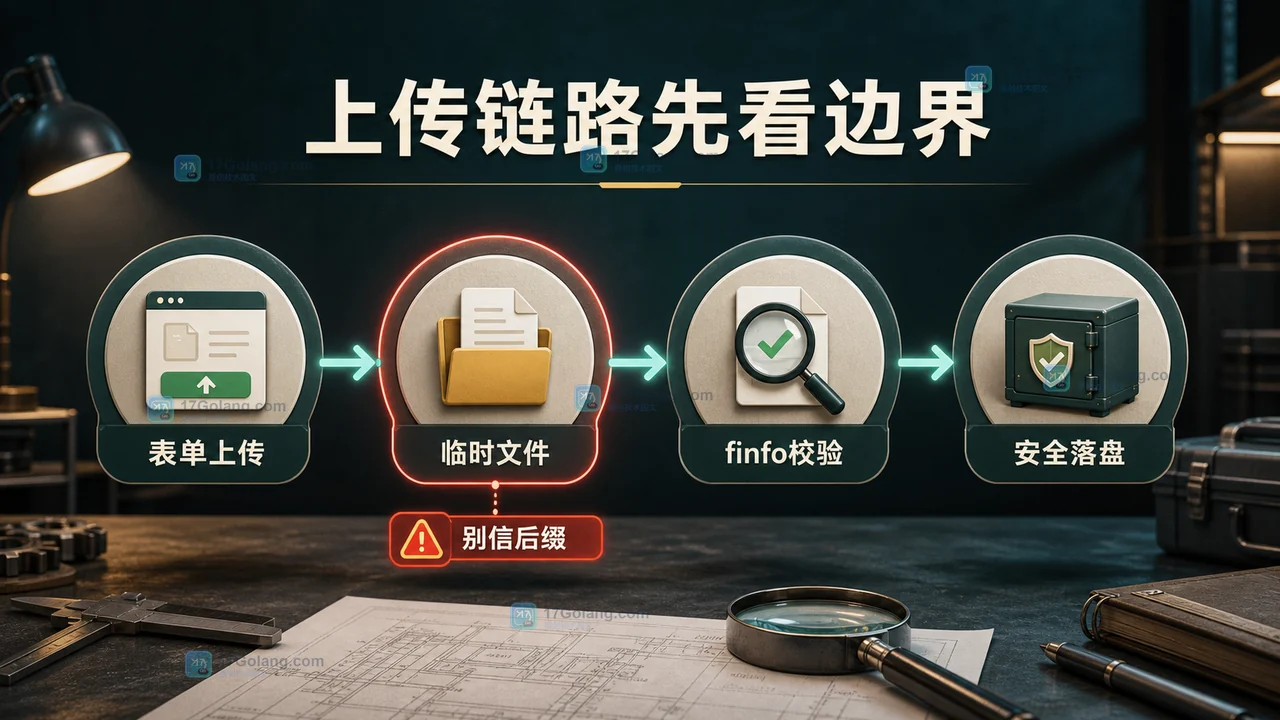
- 文章 · php教程 | 1星期前 | 文件上传 · 后端开发 · php教程 · 安全校验 · move_uploaded_file $_FILES finfo_file PHP上传文件 文件安全校验
- PHP 上传文件怎么安全校验:$_FILES、finfo 和 move_uploaded_file 实战
- 409浏览 收藏
-

- 前端进阶之JavaScript设计模式
- 设计模式是开发人员在软件开发过程中面临一般问题时的解决方案,代表了最佳的实践。本课程的主打内容包括JS常见设计模式以及具体应用场景,打造一站式知识长龙服务,适合有JS基础的同学学习。
- 543次学习
-

- GO语言核心编程课程
- 本课程采用真实案例,全面具体可落地,从理论到实践,一步一步将GO核心编程技术、编程思想、底层实现融会贯通,使学习者贴近时代脉搏,做IT互联网时代的弄潮儿。
- 516次学习
-

- 简单聊聊mysql8与网络通信
- 如有问题加微信:Le-studyg;在课程中,我们将首先介绍MySQL8的新特性,包括性能优化、安全增强、新数据类型等,帮助学生快速熟悉MySQL8的最新功能。接着,我们将深入解析MySQL的网络通信机制,包括协议、连接管理、数据传输等,让
- 500次学习
-

- JavaScript正则表达式基础与实战
- 在任何一门编程语言中,正则表达式,都是一项重要的知识,它提供了高效的字符串匹配与捕获机制,可以极大的简化程序设计。
- 487次学习
-

- 从零制作响应式网站—Grid布局
- 本系列教程将展示从零制作一个假想的网络科技公司官网,分为导航,轮播,关于我们,成功案例,服务流程,团队介绍,数据部分,公司动态,底部信息等内容区块。网站整体采用CSSGrid布局,支持响应式,有流畅过渡和展现动画。
- 485次学习
-

- ljg-skills
- ljg-skills 是李继刚开源的 AI 技能与提示词集合,面向大模型使用者整理了一批可复用的 prompt、角色设定和任务技能模板,适合用于学习提示词设计、搭建个人 AI 工作流和沉淀团队常用智能体能力。
- 4587次使用
-

- MELO音乐
- MELO音乐是一站式AI视频与音乐制作助手,对标suno, udio的高品质体验。提供伴奏生成、原创写词、无损导出、哼唱识曲、混音变声等全套音频与短视频编辑工具。无论是流行Kpop、电音说唱、民谣古风、摇滚儿歌还是商用轻音乐,MELO为你免费谱曲,轻松做同款!
- 4235次使用
-

- UniScribe
- UniScribe 是一款 AI 音视频转文字与内容整理工具,支持上传音频、视频文件或粘贴 YouTube 链接,自动生成转写文本、摘要、思维导图和关键问题,并支持多格式导出,适合会议记录、课程学习、访谈整理和内容创作复盘。
- 4195次使用
-

- 剧云
- 剧云是专业中文剧本创作平台,安全稳定运行十余年,集成AI编剧、剧本医生审核、人物小传、剧情关系图、大纲编写、多人协作、Word导入导出、版权管控功能,数据安全防护,轻松高效创作剧本。
- 4415次使用
-

- 万象有声
- 万象有声,一个专为有声创作者打造的新一代智能有声内容创作平台。平台提供专业的智能拆章、智能画本编辑、AI配音、AI生成音效、后期制作、智能对轨、智能审听等有声创作全流程工具,可以帮助创作者高效、低成本创作出引人入胜的有声作品。立即体验,让有声书制作更简单!
- 4371次使用
-
- 宝塔配置Ruby环境:RVM+Nginx反代教程
- 2026-05-29 501浏览
-
- unset函数作用范围详解
- 2026-05-29 501浏览
-
- VS Code配置Xdebug教程:PHP调试技巧全解析
- 2026-05-13 501浏览
-
- PHPEnv安装PhpMyAdmin教程详解
- 2026-05-07 501浏览
-
- TelegramBotWebApp数据验证技巧
- 2026-05-06 501浏览


