
PHP定时任务设置方法详解
本篇文章主要是结合我之前面试的各种经历和实战开发中遇到的问题解决经验整理的,希望这篇《PHP定时任务怎么设置?教程详解》对你有很大帮助!欢迎收藏,分享给更多的需要的朋友学习~
- 使用命令行通过cron定时执行PHP脚本:在Ubuntu系统中编辑crontab,添加如 /usr/bin/php /var/www/html/script.php的规则,实现每分钟自动运行PHP文件。2. 利用Web版Cron服务远程触发PHP脚本:注册EasyCron等服务,配置目标URL(如https://example.com/monitor.php)及执行频率,通过HTTP请求远程调用脚本。3. 在PHP代码中使用sleep函数实现简单轮询:编写while(true)循环并插入sleep(60)暂停间隔,适用于低精度的持续监控任务,需通过CLI保持后台运行。4. 借助现代框架内置调度器管理定时任务:以Laravel为例,在Kernel.php中定义每分钟或每日任务,并设置单一cron入口 cd /path-to-project && php artisan schedule:run由框架自动调度。5. 通过日志文件记录脚本执行情况:在脚本开头使用fopen('log.txt', 'a')写入时间戳和状态信息,如'Script started',便于后续排查问题和验证执行效果。

1. Using Command Line to Execute PHP Scripts Periodically
The operating environment of this tutorial: Dell XPS 13, Ubuntu 22.04
Scheduling PHP scripts via the operating system's built-in task scheduler allows automatic execution at defined intervals. On Linux systems, cron is commonly used to trigger PHP files through the command line.
- Open the crontab editor by running crontab -e in the terminal
- Add a new line specifying the time interval and script path, such as: * * * * * /usr/bin/php /var/www/html/script.php to run every minute
- Save and exit; the system will now execute the PHP file according to the schedule
2. Implementing Timer Tasks with Web-Based Cron Services
External monitoring services can simulate HTTP requests to trigger PHP scripts hosted on web servers. This method avoids direct server access and works well for shared hosting environments where cron access is restricted.
- Register with an online cron service like EasyCron or Cron-job.org
- Enter the full URL of your PHP script (e.g., https://example.com/monitor.php)
- Set the desired execution frequency and activate the job
- The service sends periodic GET requests to execute the script remotely
3. Building Internal Scheduling Logic with Sleep Functions
This approach uses PHP’s sleep() function within a long-running script to create delays between operations. It's suitable for lightweight monitoring tasks that don't require precise timing.
- Create a loop in your PHP file using while(true) to keep it running continuously
- Place your monitoring logic inside the loop (e.g., checking file sizes, response codes)
- Call sleep(60) after each cycle to pause execution for 60 seconds
- Run the script via CLI and leave it active in the background
4. Leveraging Task Schedulers in Frameworks
Modern PHP frameworks such as Laravel provide built-in task scheduling features that simplify managing recurring commands through a single cron entry pointing to the framework’s scheduler runner.
- Define scheduled jobs inside the app/Console/Kernel.php file using the $schedule object
- Use methods like ->everyMinute(), ->daily(), or custom cron syntax
- Ensure one base cron entry exists: * * * * * cd /path-to-project && php artisan schedule:run
- The framework evaluates all defined tasks and runs those due at the current time
5. Monitoring Script Execution with Log Files
Tracking when and how often scripts execute helps identify failures or performance bottlenecks. Writing timestamps and status updates to log files enables post-execution analysis.
- At the start of your PHP script, open a log file using fopen('log.txt', 'a')
- Write entries including date/time and action taken: fwrite($handle, date('Y-m-d H:i:s') . ' - Script started\n')
- Close the file handle after writing with fclose($handle)
- Review logs regularly to verify correct operation and detect anomalies
理论要掌握,实操不能落!以上关于《PHP定时任务设置方法详解》的详细介绍,大家都掌握了吧!如果想要继续提升自己的能力,那么就来关注golang学习网公众号吧!
 JavaScriptnull类型陷阱与对象判断技巧
- 上一篇
- JavaScriptnull类型陷阱与对象判断技巧

- 下一篇
- 国际包裹查询失败原因及解决方法
-
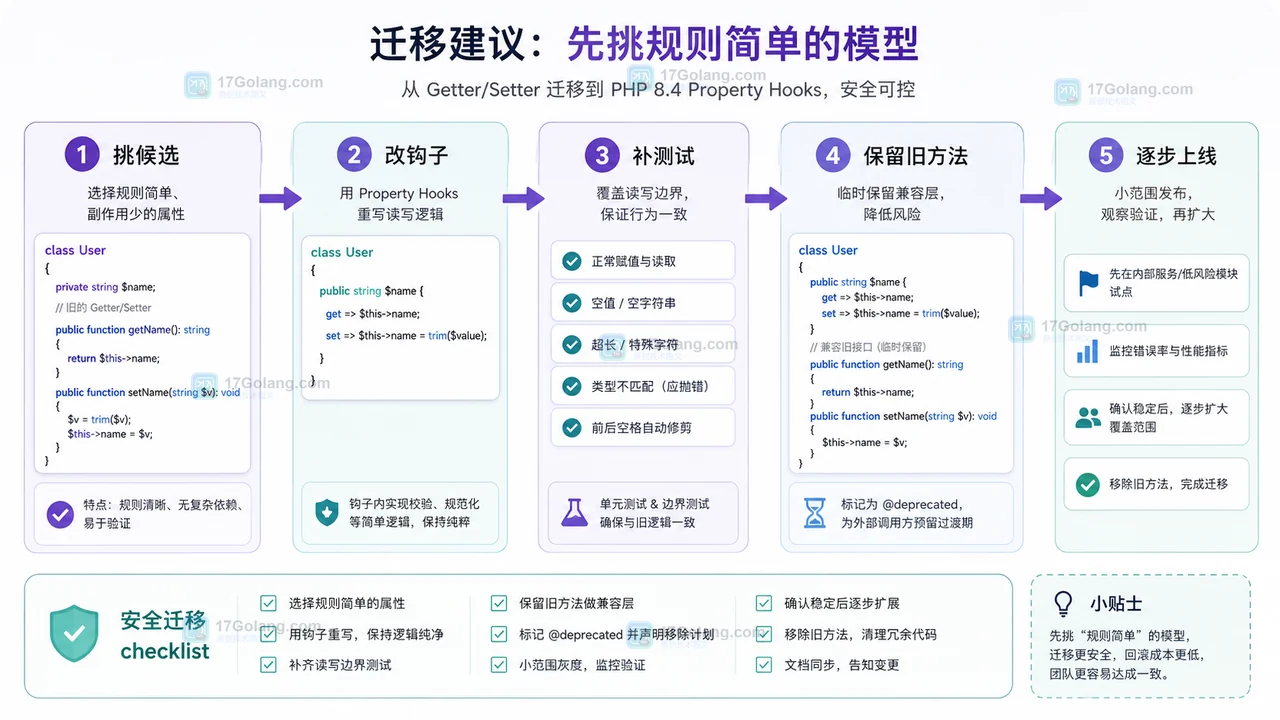
- 文章 · php教程 | 1星期前 | 面向对象 · PHP · PHP8.4 · Property Hooks · 代码重构 · PHP教程 Getter PHP 8.4 Property Hooks setter
- PHP 8.4 Property Hooks 实战:把 getter/setter 收回到属性声明里
- 464浏览 收藏
-

- 前端进阶之JavaScript设计模式
- 设计模式是开发人员在软件开发过程中面临一般问题时的解决方案,代表了最佳的实践。本课程的主打内容包括JS常见设计模式以及具体应用场景,打造一站式知识长龙服务,适合有JS基础的同学学习。
- 543次学习
-

- GO语言核心编程课程
- 本课程采用真实案例,全面具体可落地,从理论到实践,一步一步将GO核心编程技术、编程思想、底层实现融会贯通,使学习者贴近时代脉搏,做IT互联网时代的弄潮儿。
- 516次学习
-

- 简单聊聊mysql8与网络通信
- 如有问题加微信:Le-studyg;在课程中,我们将首先介绍MySQL8的新特性,包括性能优化、安全增强、新数据类型等,帮助学生快速熟悉MySQL8的最新功能。接着,我们将深入解析MySQL的网络通信机制,包括协议、连接管理、数据传输等,让
- 500次学习
-

- JavaScript正则表达式基础与实战
- 在任何一门编程语言中,正则表达式,都是一项重要的知识,它提供了高效的字符串匹配与捕获机制,可以极大的简化程序设计。
- 487次学习
-

- 从零制作响应式网站—Grid布局
- 本系列教程将展示从零制作一个假想的网络科技公司官网,分为导航,轮播,关于我们,成功案例,服务流程,团队介绍,数据部分,公司动态,底部信息等内容区块。网站整体采用CSSGrid布局,支持响应式,有流畅过渡和展现动画。
- 485次学习
-

- ljg-skills
- ljg-skills 是李继刚开源的 AI 技能与提示词集合,面向大模型使用者整理了一批可复用的 prompt、角色设定和任务技能模板,适合用于学习提示词设计、搭建个人 AI 工作流和沉淀团队常用智能体能力。
- 4369次使用
-

- MELO音乐
- MELO音乐是一站式AI视频与音乐制作助手,对标suno, udio的高品质体验。提供伴奏生成、原创写词、无损导出、哼唱识曲、混音变声等全套音频与短视频编辑工具。无论是流行Kpop、电音说唱、民谣古风、摇滚儿歌还是商用轻音乐,MELO为你免费谱曲,轻松做同款!
- 4048次使用
-

- UniScribe
- UniScribe 是一款 AI 音视频转文字与内容整理工具,支持上传音频、视频文件或粘贴 YouTube 链接,自动生成转写文本、摘要、思维导图和关键问题,并支持多格式导出,适合会议记录、课程学习、访谈整理和内容创作复盘。
- 4037次使用
-

- 剧云
- 剧云是专业中文剧本创作平台,安全稳定运行十余年,集成AI编剧、剧本医生审核、人物小传、剧情关系图、大纲编写、多人协作、Word导入导出、版权管控功能,数据安全防护,轻松高效创作剧本。
- 4220次使用
-

- 万象有声
- 万象有声,一个专为有声创作者打造的新一代智能有声内容创作平台。平台提供专业的智能拆章、智能画本编辑、AI配音、AI生成音效、后期制作、智能对轨、智能审听等有声创作全流程工具,可以帮助创作者高效、低成本创作出引人入胜的有声作品。立即体验,让有声书制作更简单!
- 4189次使用
-
- 宝塔配置Ruby环境:RVM+Nginx反代教程
- 2026-05-29 501浏览
-
- unset函数作用范围详解
- 2026-05-29 501浏览
-
- VS Code配置Xdebug教程:PHP调试技巧全解析
- 2026-05-13 501浏览
-
- PHPEnv安装PhpMyAdmin教程详解
- 2026-05-07 501浏览
-
- TelegramBotWebApp数据验证技巧
- 2026-05-06 501浏览


