
PHP基础教程详解与实战应用
本文系统讲解了PHP语言的基础使用方法,从环境搭建(XAMPP安装与Apache启动)入手,逐步覆盖变量声明与数据类型、if-else条件判断、for/while循环控制、自定义函数定义与调用、表单数据处理($_POST/$_GET)、以及多种数组操作等核心知识点,内容由浅入深、实操性强,配以简洁明了的代码示例,帮助初学者快速掌握PHP开发必备技能并立即上手实践。
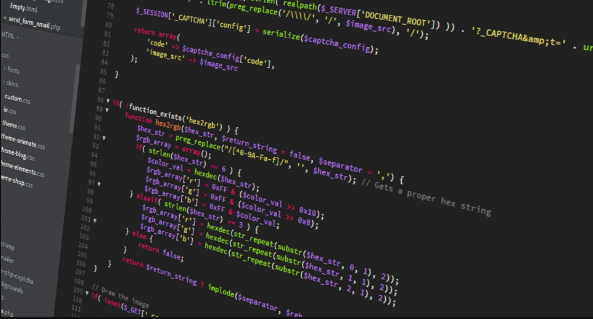
If you are learning PHP for web development, understanding the basic syntax and usage is essential. Here are practical methods to get started with PHP language fundamentals:
The operating environment of this tutorial: MacBook Pro, macOS Sonoma
1. Set Up a Local Development Environment
Before writing PHP code, ensure you have a server environment that supports PHP. This allows you to run and test scripts locally.
- Download and install XAMPP, which includes Apache, MySQL, and PHP.
- Start the Apache server from the XAMPP control panel.
- Place your PHP files in the htdocs folder inside the XAMPP directory.
- Access your files via http://localhost/your-file.php in a browser.
2. Write Your First PHP Script
PHP scripts start with and end with ?>. This tells the server to interpret the enclosed code as PHP.
- Create a file named index.php in your htdocs folder.
- Add the following code:
- Open it in your browser to see the output.
3. Use Variables and Data Types
PHP supports various data types like strings, integers, booleans, and arrays. Variables begin with a dollar sign ($).
- Declare a variable:
$name = "Alice"; - Display it using:
- PHP automatically determines the data type based on the assigned value.
4. Control Structures: Conditional Statements
Control structures help manage program flow. The most common is the if-else statement.
- Use
if ($age >= 18) { echo "Adult"; }to check conditions. - Add an else block:
else { echo "Minor"; }for alternative outcomes. - You can also use elseif for multiple conditions.
5. Looping with for and while
Loops execute repetitive tasks efficiently. The for and while loops are commonly used.
- A for loop example:
for ($i = 0; $i < 5; $i++) { echo "Number: $i
"; } - A while loop:
while ($x < 3) { echo "Loop $x
"; $x++; } - Ensure the loop condition eventually becomes false to avoid infinite loops.
6. Define and Call Functions
Functions group reusable code. You can create custom functions or use built-in ones.
- Define a function:
function greet($name) { return "Hello, $name!"; } - Call it:
echo greet("Bob"); - Functions improve code organization and reduce redundancy.
7. Handle Form Data with $_POST and $_GET
PHP can process user input from HTML forms using superglobal arrays like $_POST and $_GET.
- Create an HTML form with method="post" and input fields.
- In the PHP script, retrieve values:
$username = $_POST['username']; - Always validate and sanitize input to prevent security issues.
8. Work with Arrays
Arrays store multiple values in a single variable. PHP supports indexed, associative, and multidimensional arrays.
- Indexed array:
$colors = array("red", "green", "blue"); - Associative array:
$ages = array("John" => 25, "Jane" => 30); - Loop through arrays using foreach:
foreach ($colors as $color) { echo $color; }
今天关于《PHP基础教程详解与实战应用》的内容就介绍到这里了,是不是学起来一目了然!想要了解更多关于的内容请关注golang学习网公众号!
 2024山东高考一本线及历年数据汇总
- 上一篇
- 2024山东高考一本线及历年数据汇总
- 下一篇
- 豆包AI视频分析使用教程详解
-
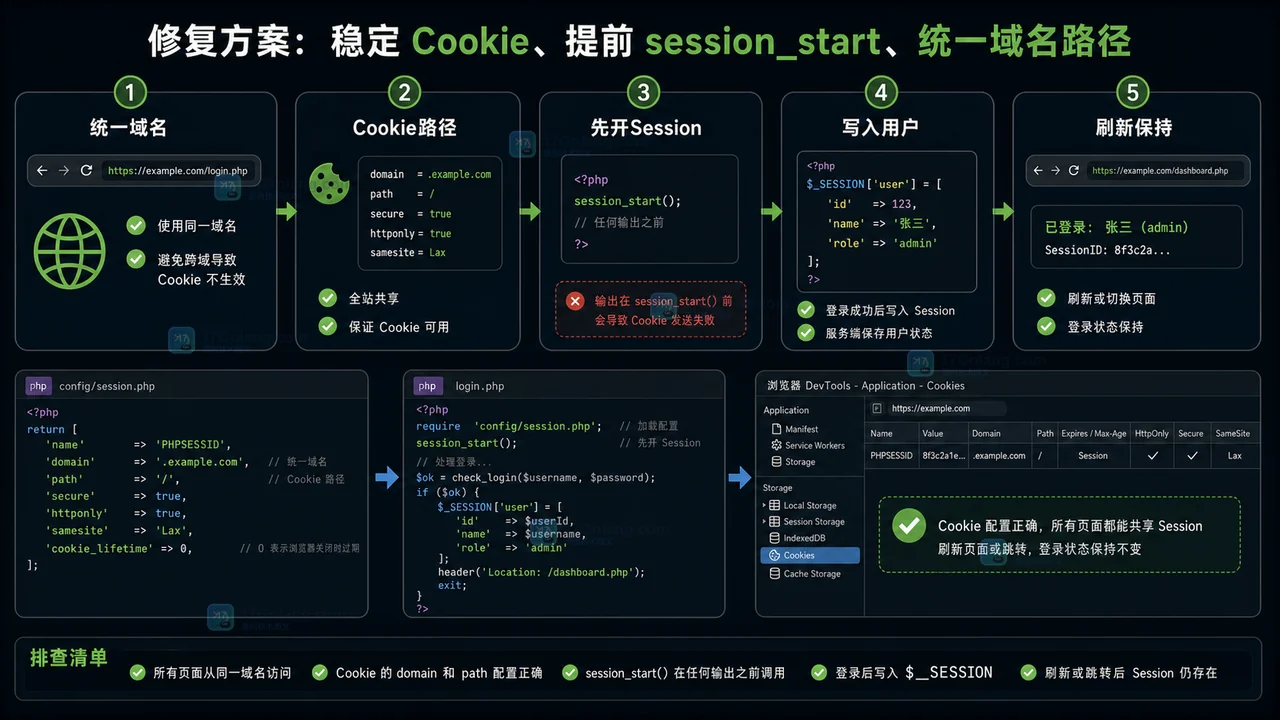
- 文章 · php教程 | 6天前 | WEB开发 · 登录状态 · Cookie · PHP · session · session_start · php cookie session session_start PHPSESSID 登录态丢失
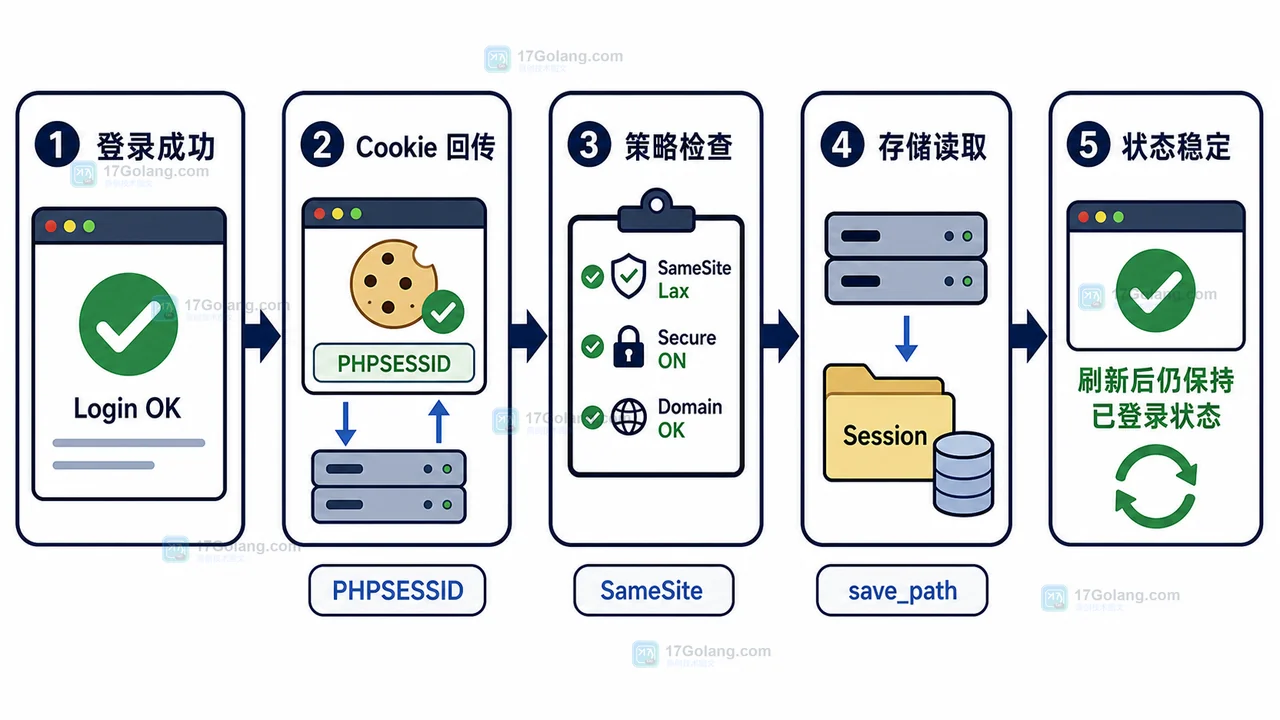
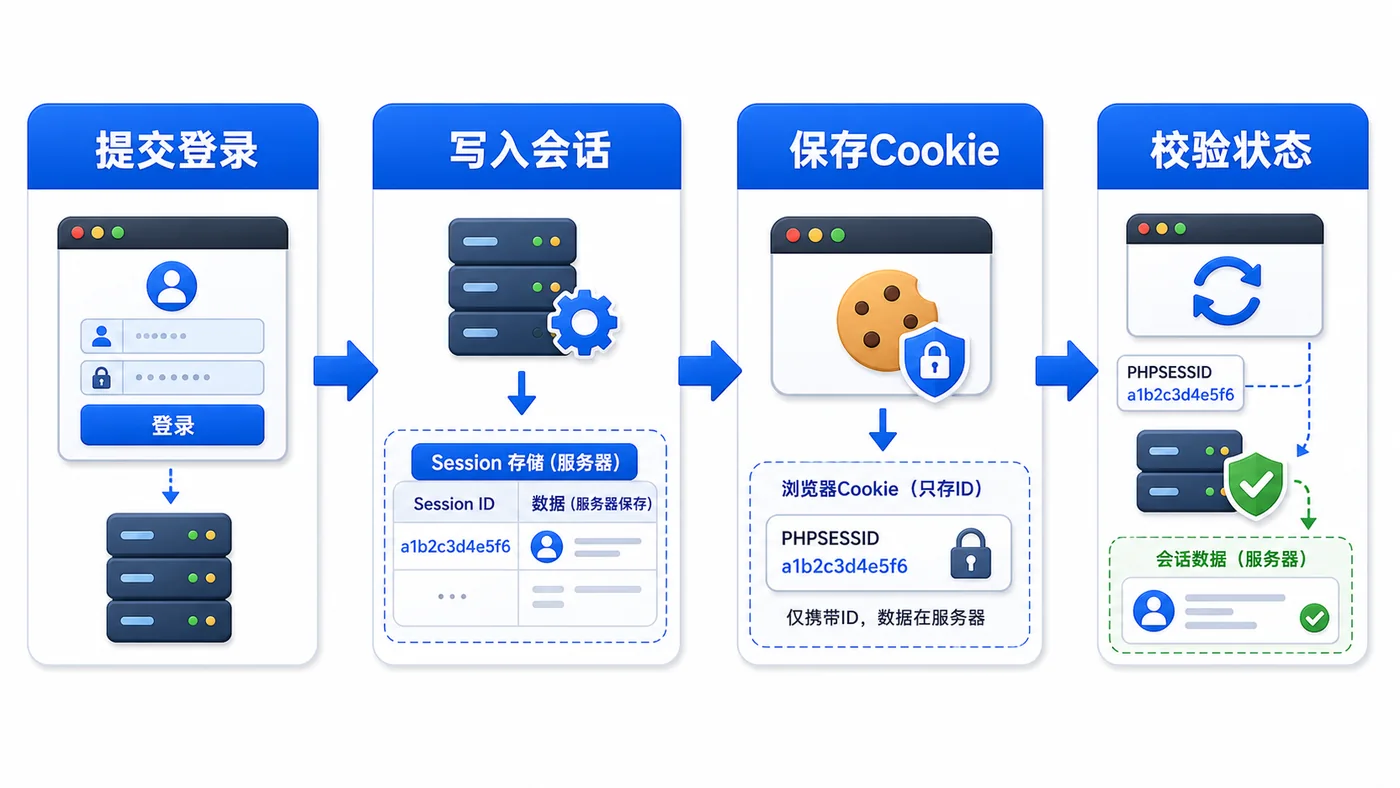
- PHP Session 登录态突然丢失怎么办:从 Cookie 到 session_start 一步步排查
- 196浏览 收藏
-
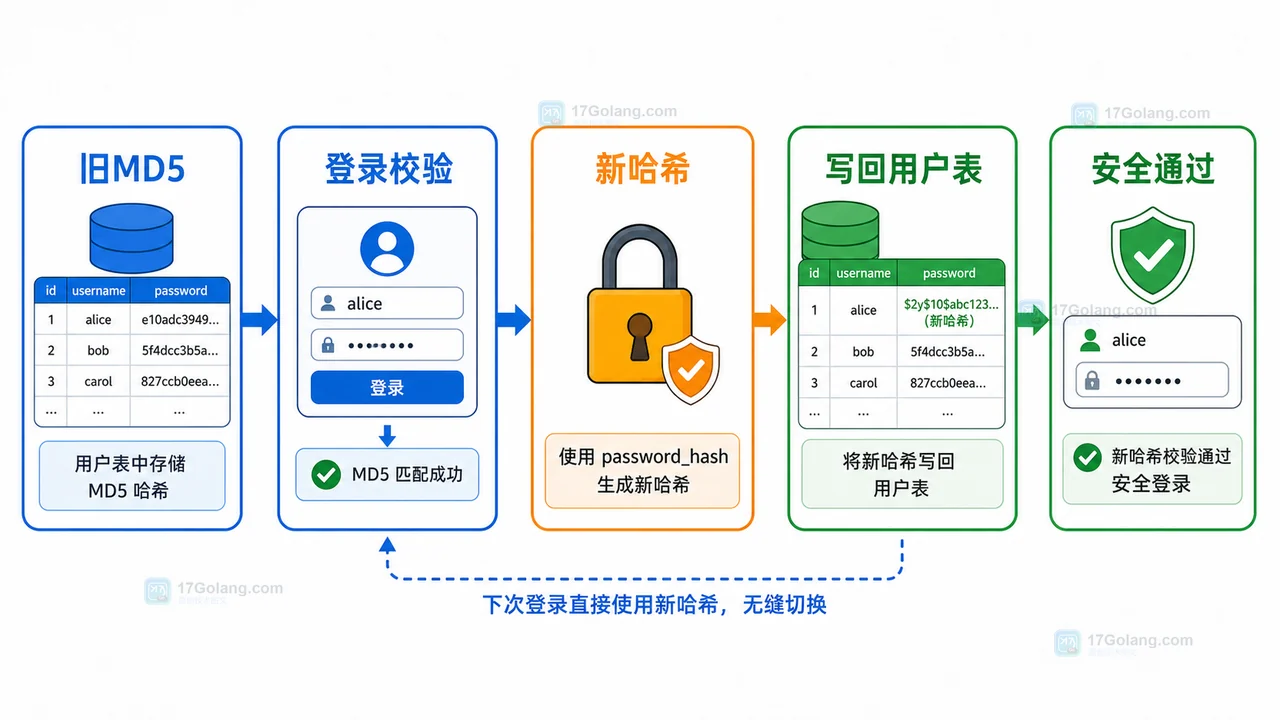
- 文章 · php教程 | 1星期前 | PHP · MD5 · 登录安全 · password_hash · password_verify · password_hash password_verify 登录安全 PHP密码迁移 MD5迁移
- PHP 旧 MD5 密码如何平滑迁移到 password_hash:兼容登录与自动升级完整流程
- 174浏览 收藏
-

- 前端进阶之JavaScript设计模式
- 设计模式是开发人员在软件开发过程中面临一般问题时的解决方案,代表了最佳的实践。本课程的主打内容包括JS常见设计模式以及具体应用场景,打造一站式知识长龙服务,适合有JS基础的同学学习。
- 543次学习
-

- GO语言核心编程课程
- 本课程采用真实案例,全面具体可落地,从理论到实践,一步一步将GO核心编程技术、编程思想、底层实现融会贯通,使学习者贴近时代脉搏,做IT互联网时代的弄潮儿。
- 516次学习
-

- 简单聊聊mysql8与网络通信
- 如有问题加微信:Le-studyg;在课程中,我们将首先介绍MySQL8的新特性,包括性能优化、安全增强、新数据类型等,帮助学生快速熟悉MySQL8的最新功能。接着,我们将深入解析MySQL的网络通信机制,包括协议、连接管理、数据传输等,让
- 500次学习
-

- JavaScript正则表达式基础与实战
- 在任何一门编程语言中,正则表达式,都是一项重要的知识,它提供了高效的字符串匹配与捕获机制,可以极大的简化程序设计。
- 487次学习
-

- 从零制作响应式网站—Grid布局
- 本系列教程将展示从零制作一个假想的网络科技公司官网,分为导航,轮播,关于我们,成功案例,服务流程,团队介绍,数据部分,公司动态,底部信息等内容区块。网站整体采用CSSGrid布局,支持响应式,有流畅过渡和展现动画。
- 485次学习
-

- ljg-skills
- ljg-skills 是李继刚开源的 AI 技能与提示词集合,面向大模型使用者整理了一批可复用的 prompt、角色设定和任务技能模板,适合用于学习提示词设计、搭建个人 AI 工作流和沉淀团队常用智能体能力。
- 1697次使用
-

- MELO音乐
- MELO音乐是一站式AI视频与音乐制作助手,对标suno, udio的高品质体验。提供伴奏生成、原创写词、无损导出、哼唱识曲、混音变声等全套音频与短视频编辑工具。无论是流行Kpop、电音说唱、民谣古风、摇滚儿歌还是商用轻音乐,MELO为你免费谱曲,轻松做同款!
- 1647次使用
-

- UniScribe
- UniScribe 是一款 AI 音视频转文字与内容整理工具,支持上传音频、视频文件或粘贴 YouTube 链接,自动生成转写文本、摘要、思维导图和关键问题,并支持多格式导出,适合会议记录、课程学习、访谈整理和内容创作复盘。
- 1572次使用
-

- 剧云
- 剧云是专业中文剧本创作平台,安全稳定运行十余年,集成AI编剧、剧本医生审核、人物小传、剧情关系图、大纲编写、多人协作、Word导入导出、版权管控功能,数据安全防护,轻松高效创作剧本。
- 1772次使用
-

- 万象有声
- 万象有声,一个专为有声创作者打造的新一代智能有声内容创作平台。平台提供专业的智能拆章、智能画本编辑、AI配音、AI生成音效、后期制作、智能对轨、智能审听等有声创作全流程工具,可以帮助创作者高效、低成本创作出引人入胜的有声作品。立即体验,让有声书制作更简单!
- 1760次使用
-
- 宝塔配置Ruby环境:RVM+Nginx反代教程
- 2026-05-29 501浏览
-
- unset函数作用范围详解
- 2026-05-29 501浏览
-
- VS Code配置Xdebug教程:PHP调试技巧全解析
- 2026-05-13 501浏览
-
- PHPEnv安装PhpMyAdmin教程详解
- 2026-05-07 501浏览
-
- TelegramBotWebApp数据验证技巧
- 2026-05-06 501浏览


